Creating a Branching Database @RRIS

This week the Digital Leaders learnt how to make a branching database game using j2e Branch. We chose 6 animals and then wrote questions to divide those animals in to two categories, Yes and No – a bit like playing Guess Who. At the end we played the game with our partner, who chose an animal in their head answered the questions on the screen and the database we created got the answer right!

“Some of the animals were similar so we had to think really hard about the questions that we asked to put them in Yes or No.”

“This is a bit like Guess Who, I can’t believe that the computer gets it right every time.” (That’s because you asked really good questions and sorted the animals correctly :))

Categories: Digital Leaders | Tags: , , , , , , , , , , , | Comments Off on Creating a Branching Database @RRIS

Making Digital Music @RRIS

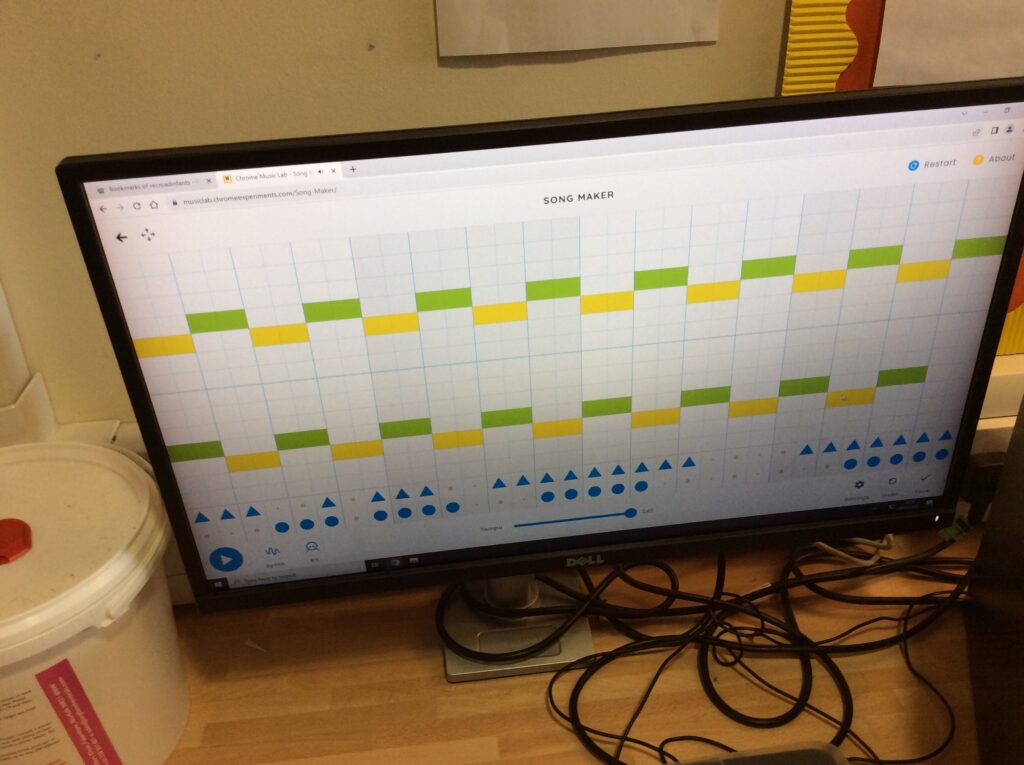
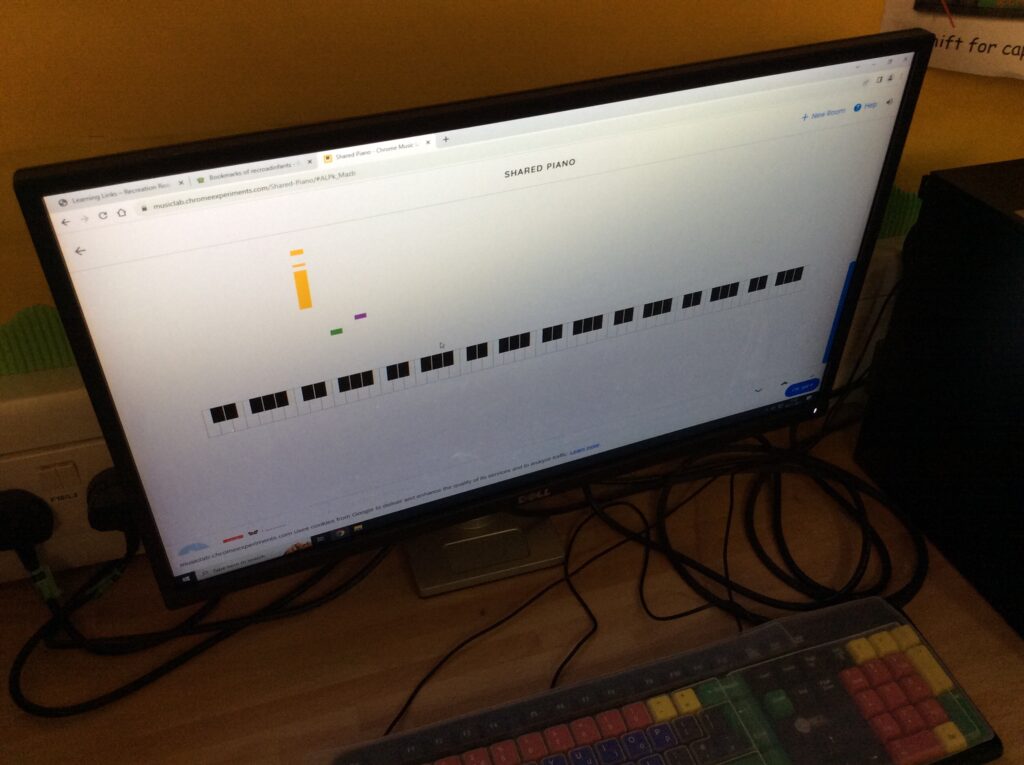
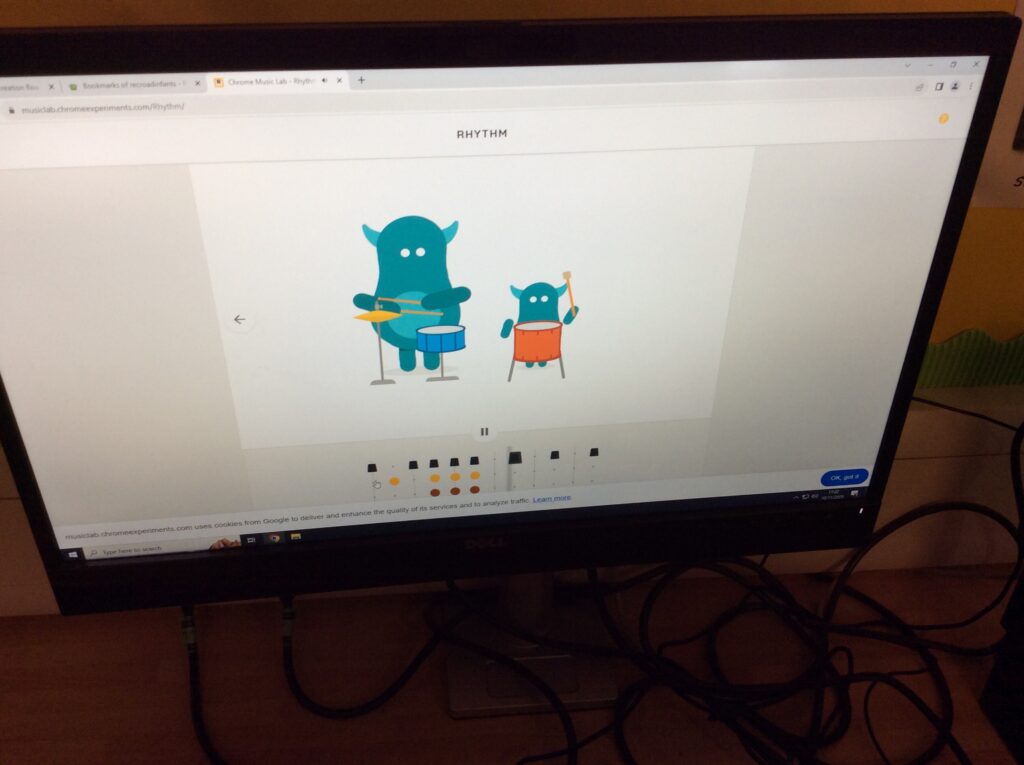
This week the Digital Leaders experimented with Musiclab to make music. There are 14 different activities to try and they especially liked Kandinsky where you draw shapes on the screen and those shapes make different musical sounds. They also liked Song Maker where you could click on the spaces for musical notes and also add a rhythm. They tried writing their name to see what it sounded like!

“This is so cool – I didn’t know that I could make my own music really easily, I want to try this at home.”

“I like the singing faces when you draw a circle. When you draw a triangle you get a drum noise.”

Scroll to the bottom of the page to have a listen to what they made!

Categories: Digital Leaders | Tags: , , , , , , , , , , | Comments Off on Making Digital Music @RRIS

Adding Clipart @RRIS

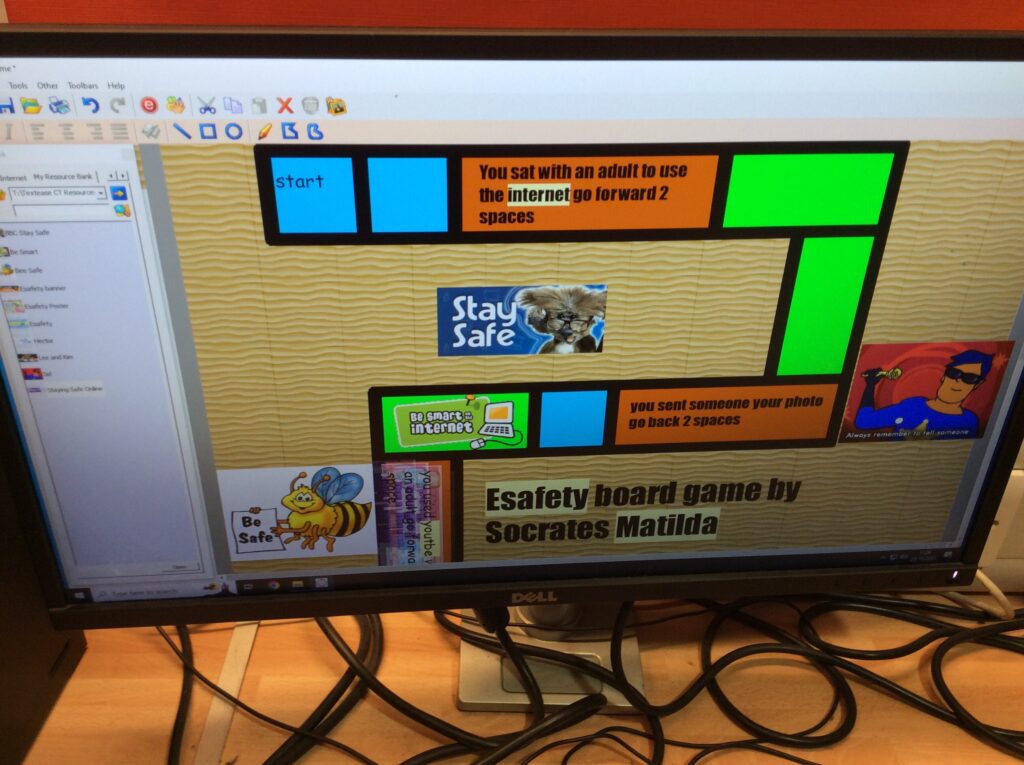
This week the Digital Leaders learnt how to add clipart to their board game for that final professional look! It was a little more tricky than before but they managed it!

“It was a little bit difficult trying to find where the clipart was but once we found it it was really easy to add the things to the game.”

“I liked that we could make the clipart different sizes to fit in the spaces in our board game. It looks really good, I can’t believe we made a real game and it looks like one you’d get in a shop!”

Categories: Digital Leaders | Tags: , , , , , , , , | Comments Off on Adding Clipart @RRIS

Adding Text @RRIS

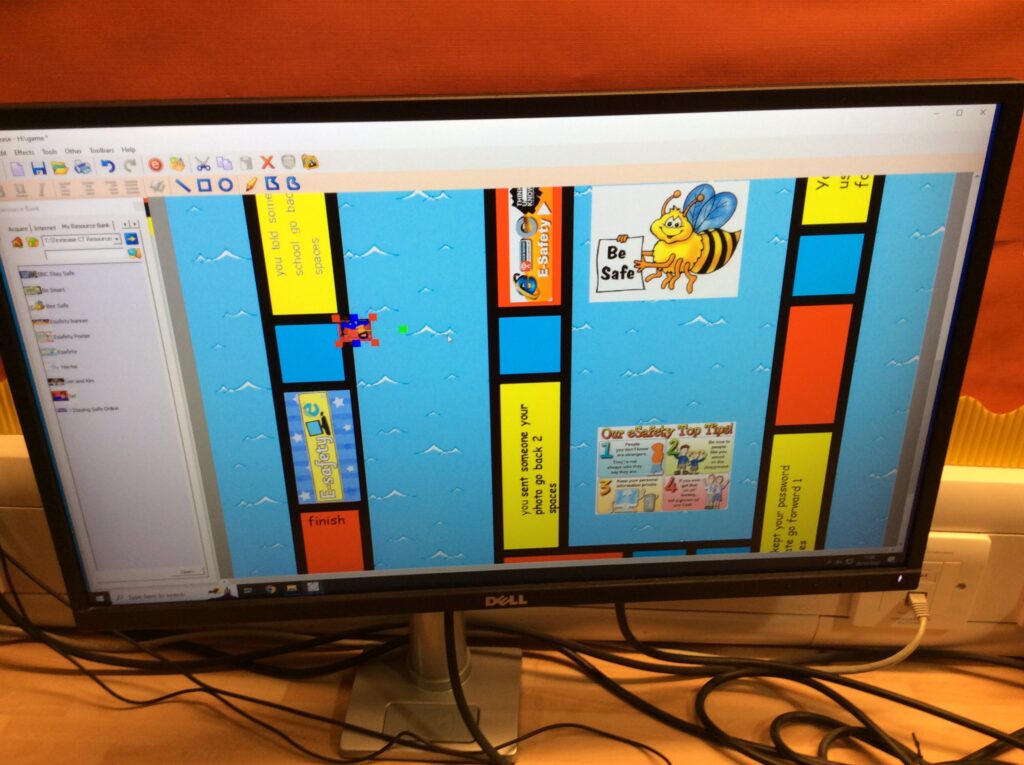
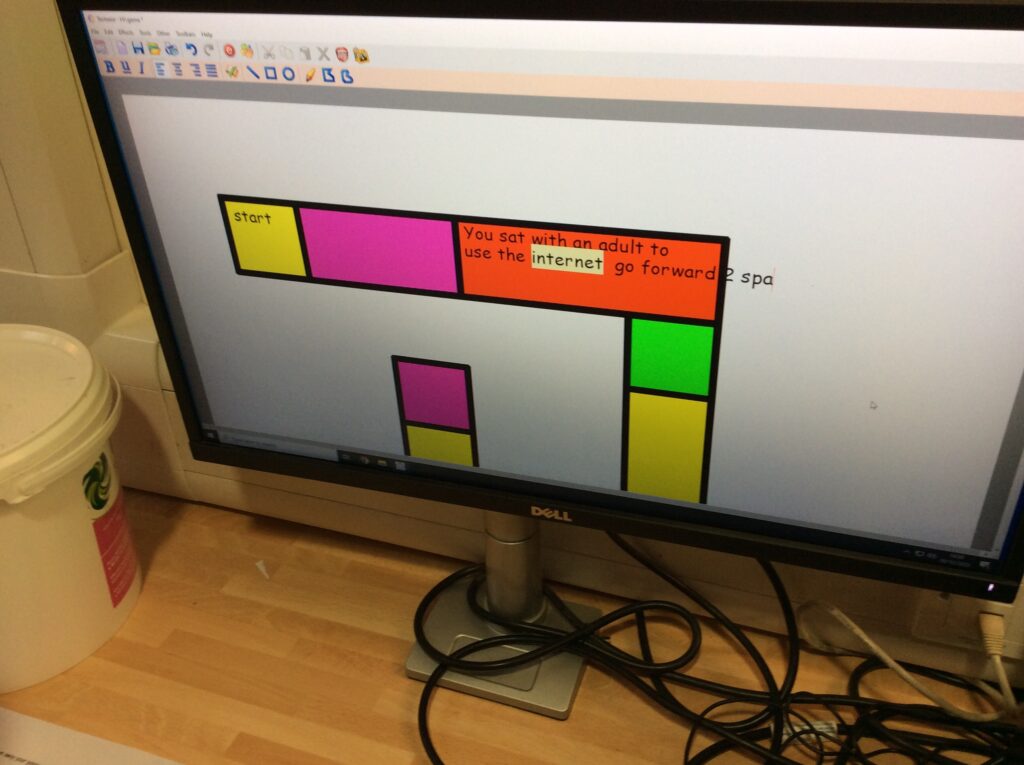
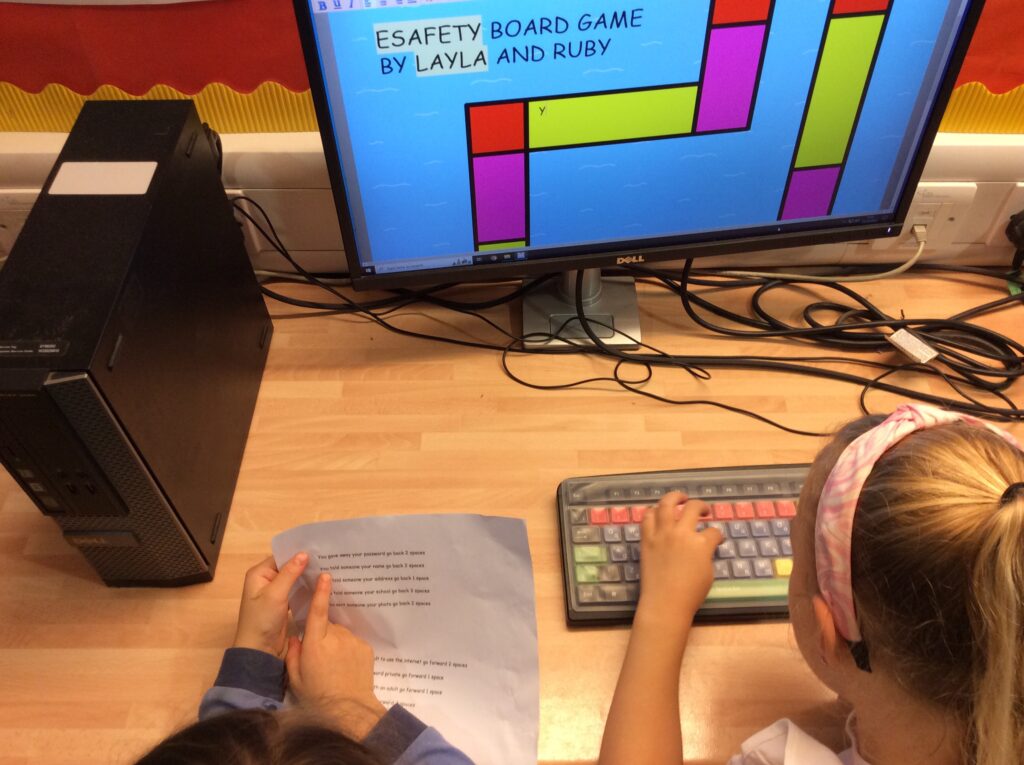
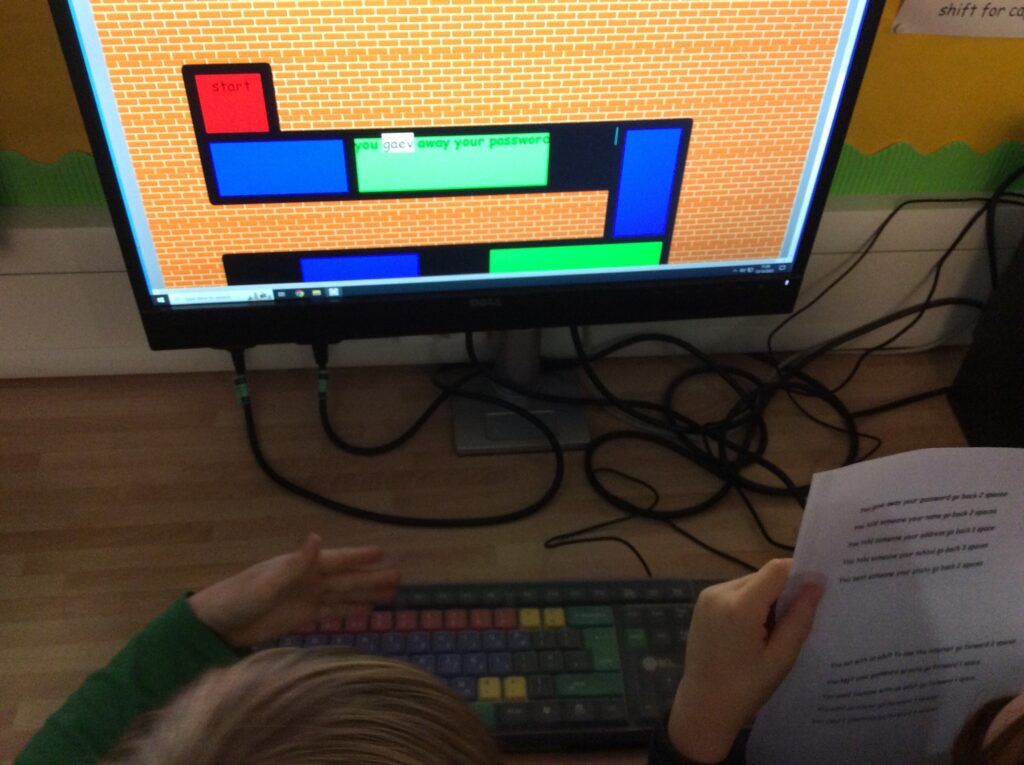
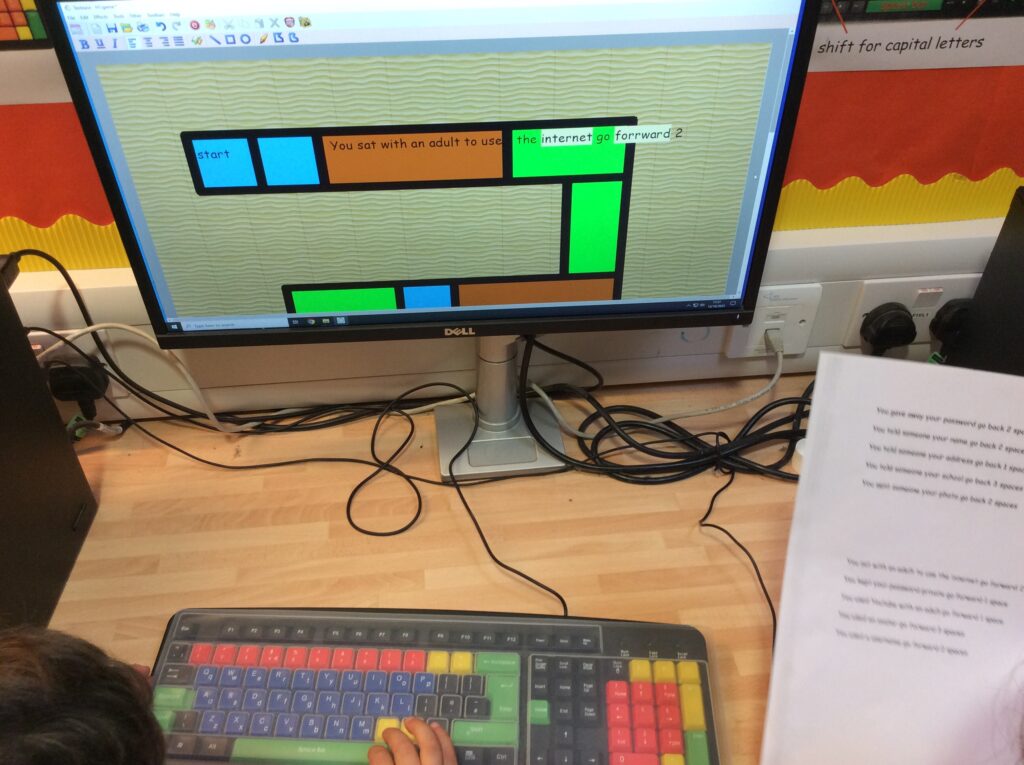
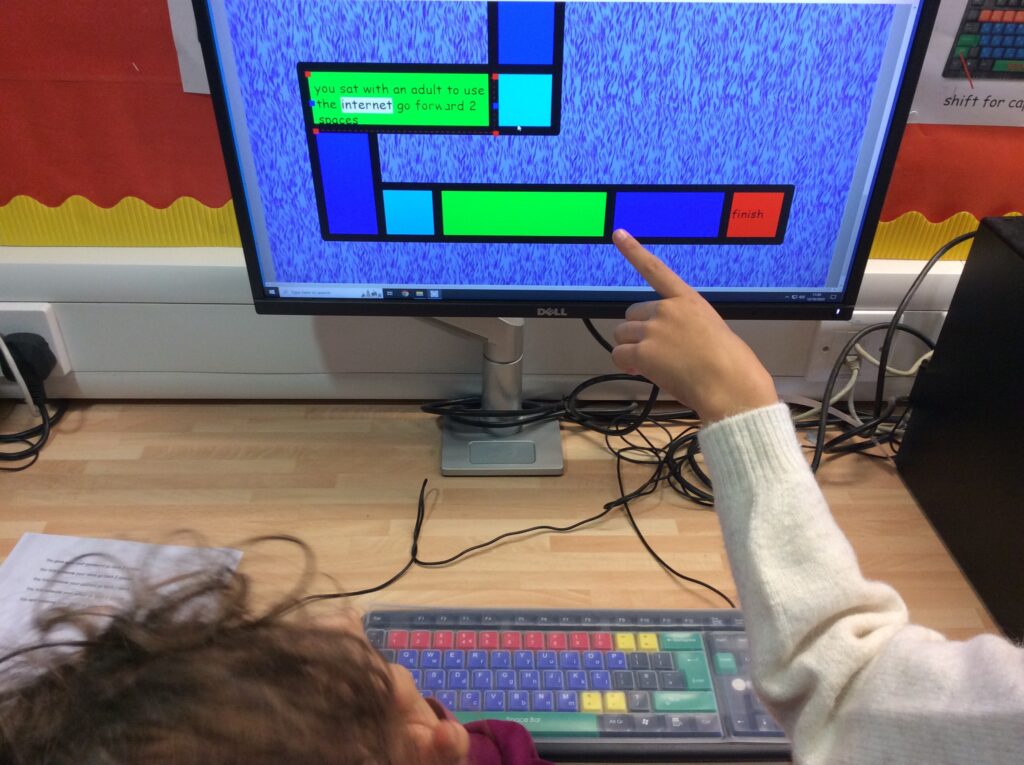
This week the Digital Leaders have learnt how to shape and add text to their board games. As we are making games to remind Year 1 children how to stay safe when using a computer or device that can access the internet, we included safety rules. If you remembered to use the rules you advanced along the board, if you forgot to use them, then you might get sent back to the beginning! The text needed to be fitted into the game board rectangles and so we had to learn how to adjust and centre our text too.

“I hadn’t used the blue square before (sends text to the line underneath) I wondered what it did!! It’s really easy to use and I like that you can centre the words into the middle of the space.”#
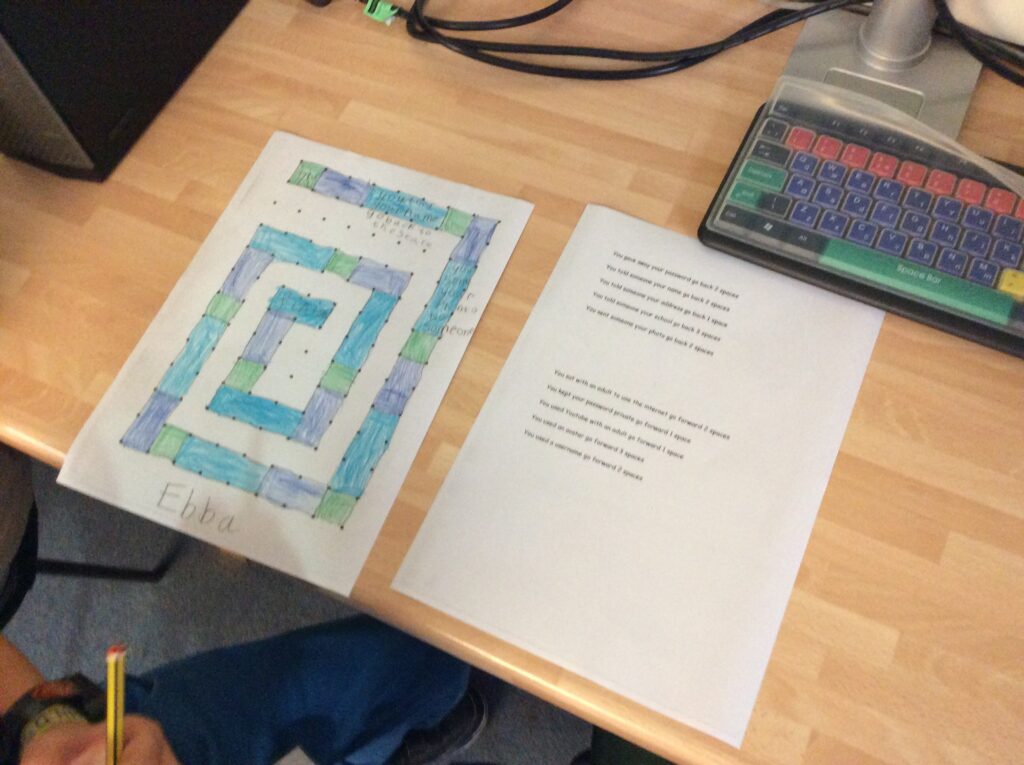

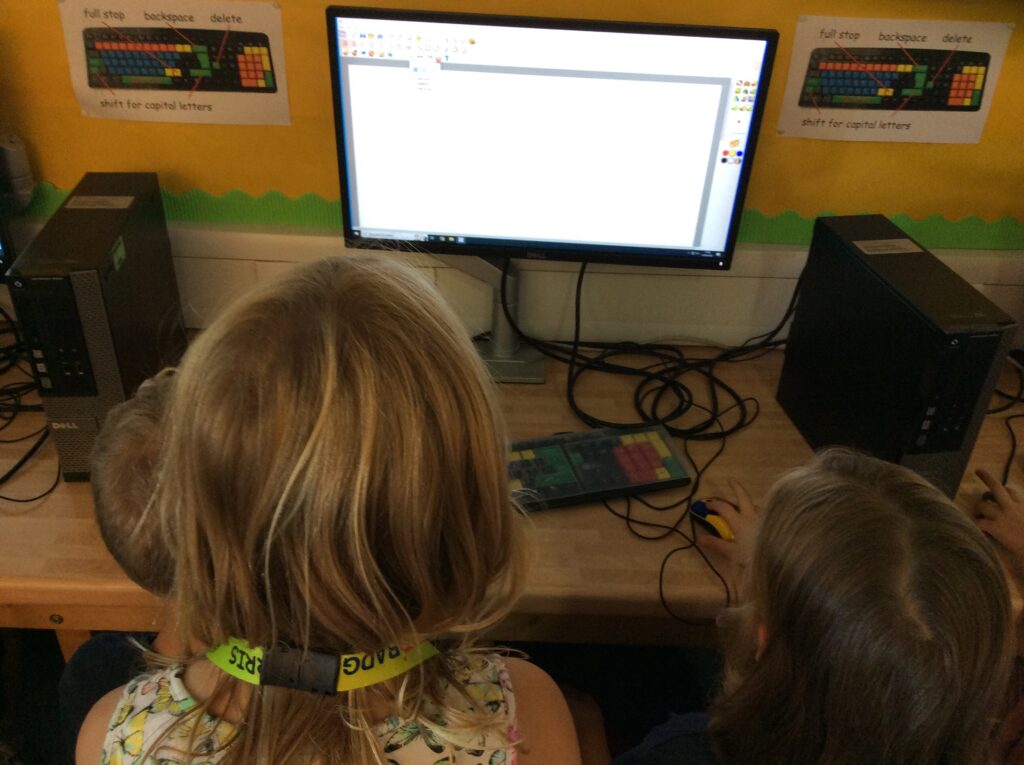
“Me and my partner worked well together, he sounded out all the words whilst I looked for the letters on the keyboard. I need a bit more practice to find the letters quickly.”

Categories: Digital Leaders | Tags: , , , , , , , , , | Comments Off on Adding Text @RRIS

Colouring our Board Game @RRIS

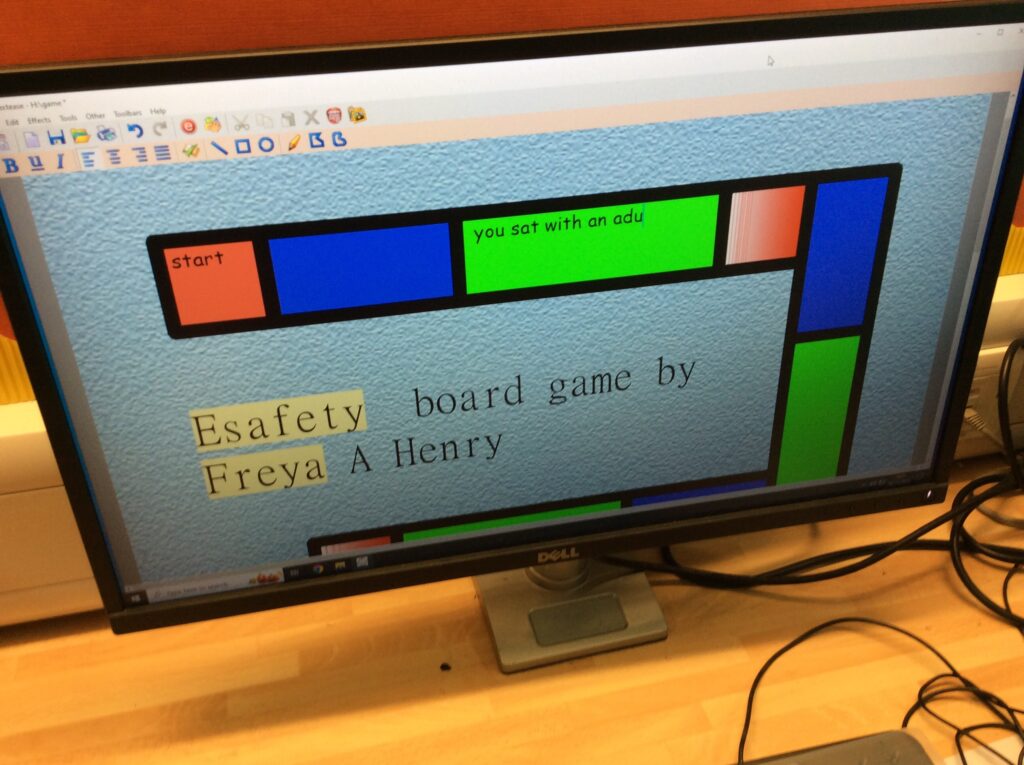
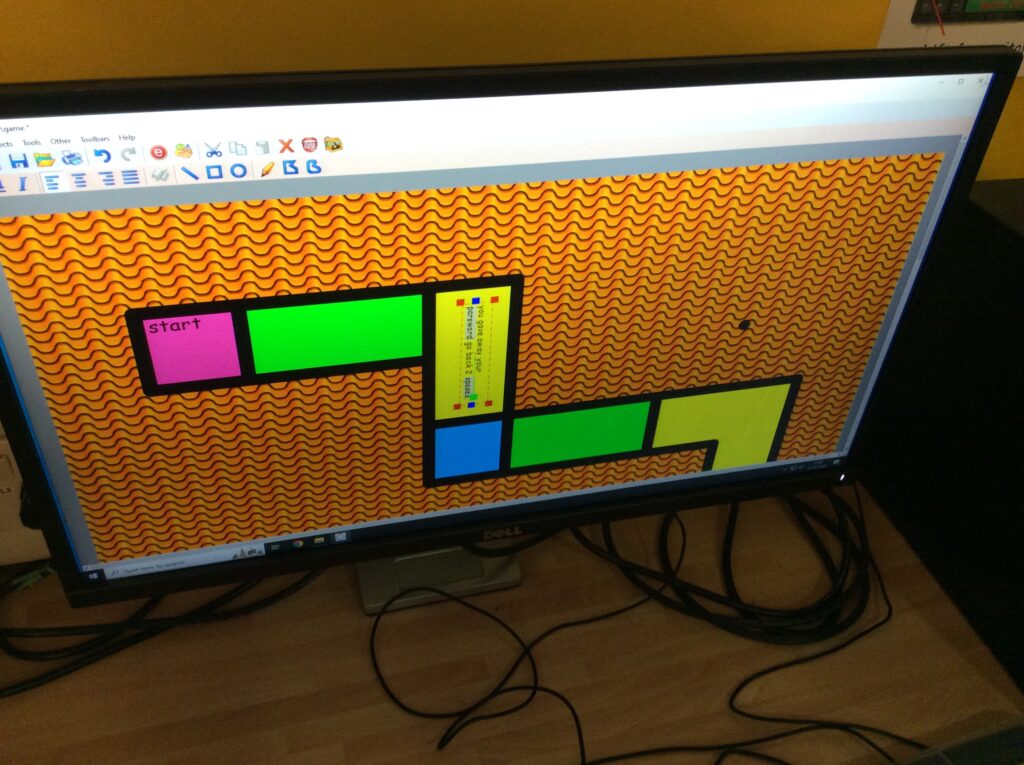
This week the Digital Leaders used their knowledge to colour their board games, adding colour blocks to the track, a jazzy background and text at the start and finish plus the title.

“I’ve never had to add writing into a box before, it’s not that difficult and you can pick it up and move it which is cool.”

“It was really quick to do all the same colour at the same time so I did all the blue ones first.”

Categories: Uncategorized | Tags: , , , , , , , , , , , | Comments Off on Colouring our Board Game @RRIS

Our Board Game Outline @RRIS

This week the Digital Leaders have learnt how to transfer their paper board games to the computer. Using our previous knowledge working with the snap to grid feature in Textease they copied their game to the computer.

“It was quite easy as we used the same dots on the paper as on the screen so it made it easy to follow the pattern of 1,2,3.”

“I’m really excited to be making a game that someone else will play and it looks just like a real game!”

Categories: Digital Leaders | Tags: , , , , , , , , , | Comments Off on Our Board Game Outline @RRIS

Our Job Role @RRIS

Here is our new job role for 2023-24 – we can’t wait to support everyone.

Categories: Digital Leaders | Tags: , , , , , , , , | Comments Off on Our Job Role @RRIS

Drawing our board game @RRIS

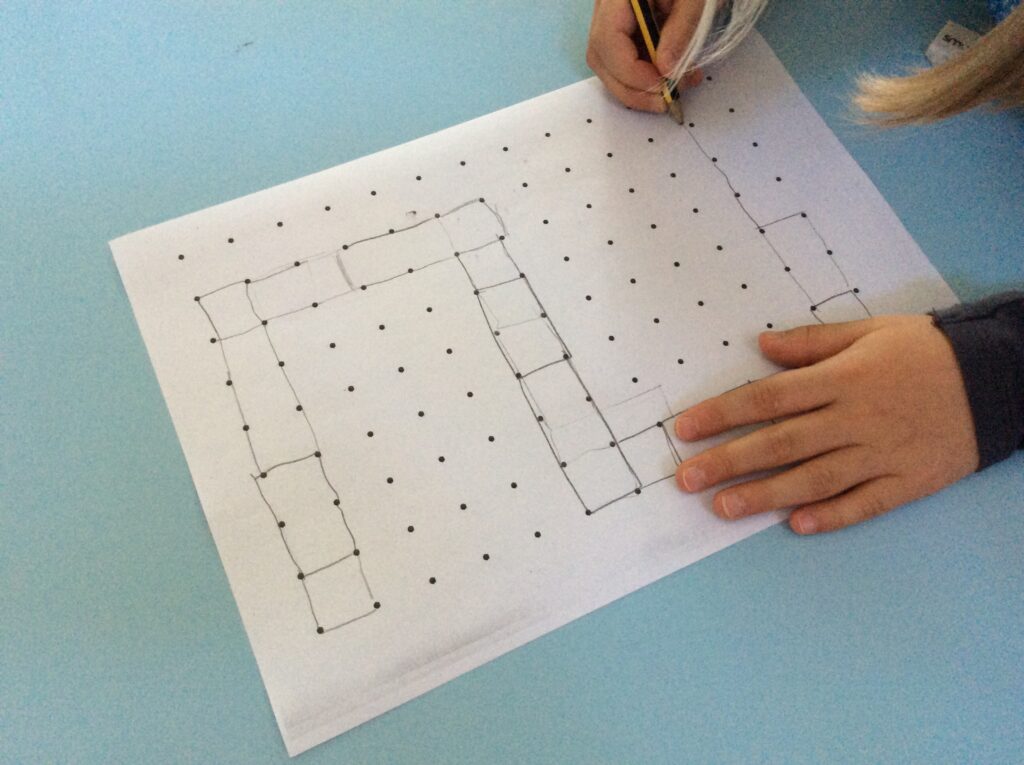
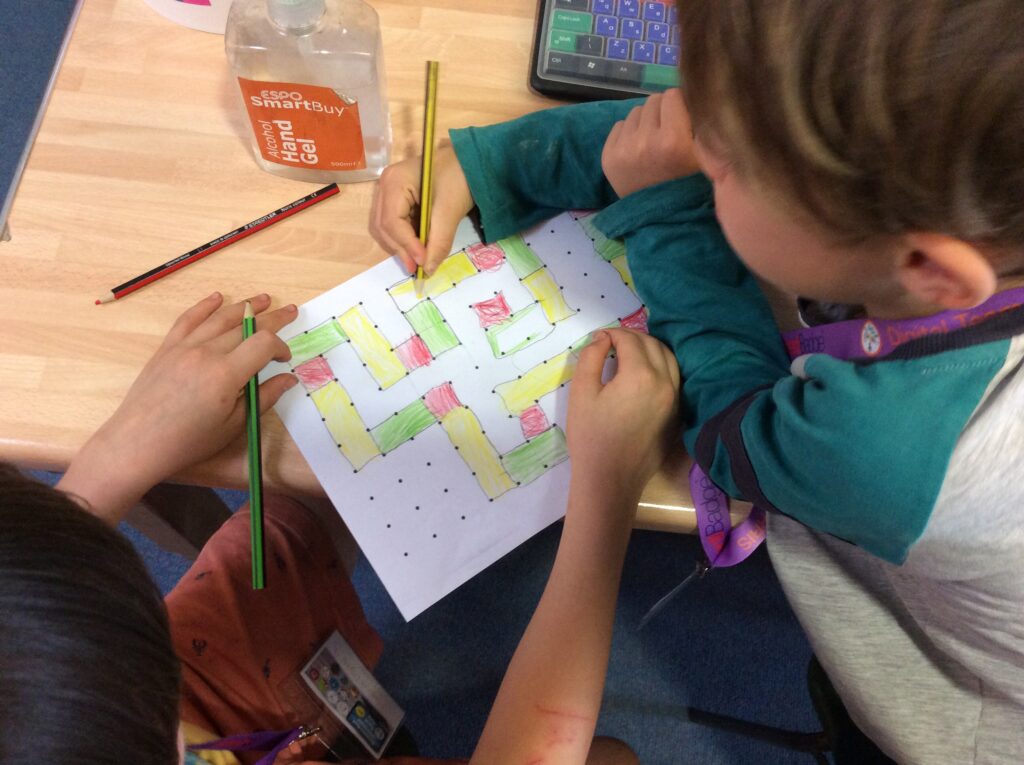
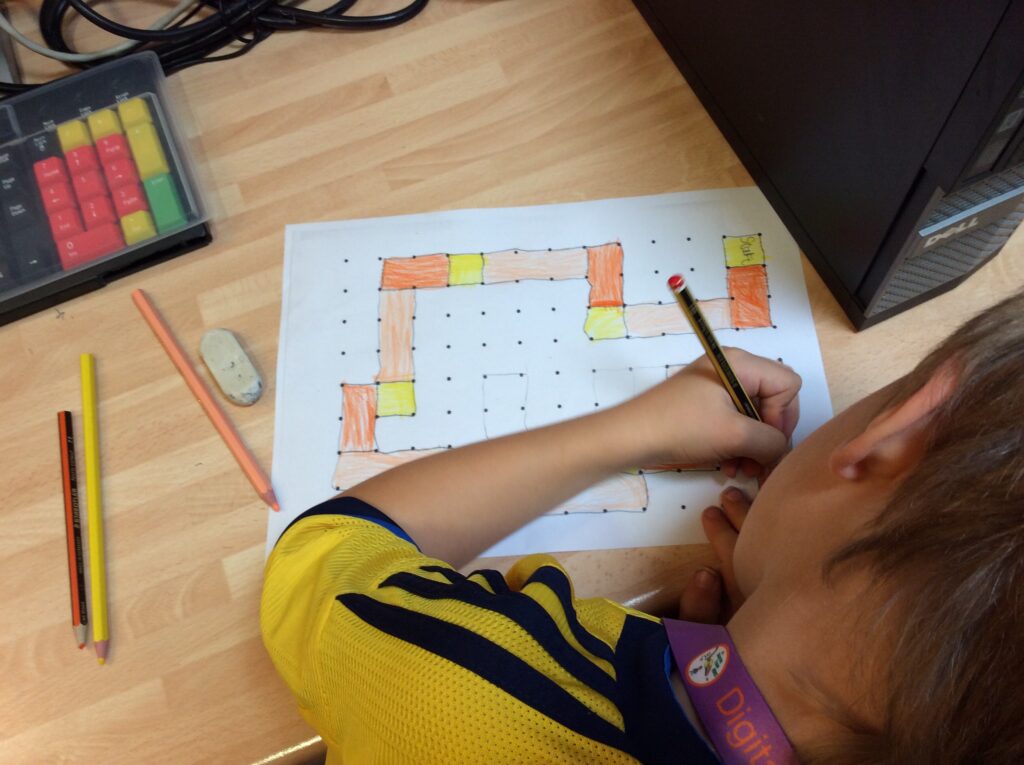
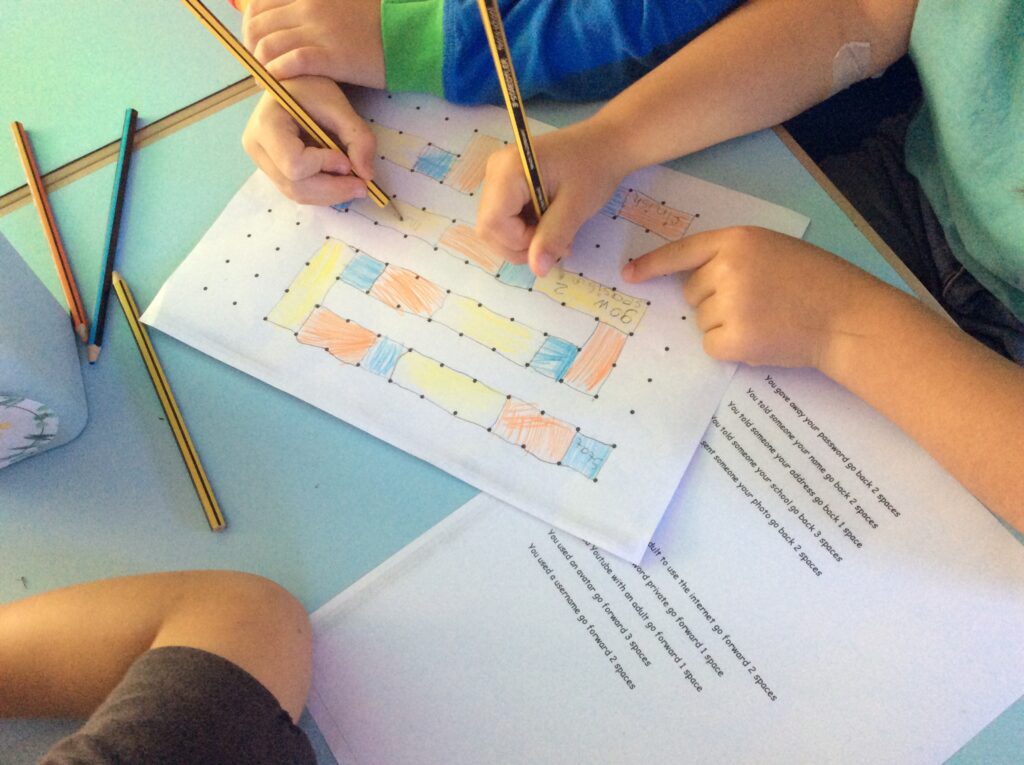
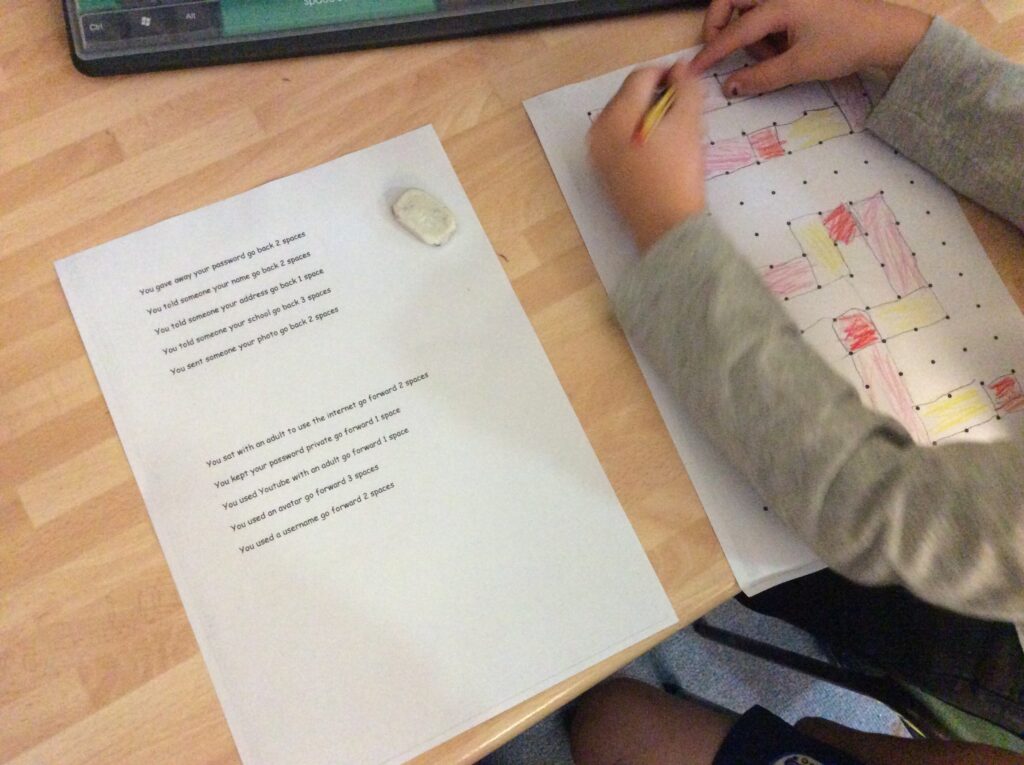
This week the digital leaders learnt how to draw out their board game plans on to paper, ready to transfer their design to the computer next week.

The tracks are going to be in a 1,2,3 pattern so that there will be spaces to put in words to send people backwards and forward spaces if they forget or remember internet safety rules.

“We can make the track go wherever we like on the paper and it really helps that the dots are there like last week when we drew with the grid. It will be really easy to draw this on the computer next week.”

“I think the class will find this easy to do as it’s just a 1,2,3 pattern with 3 colours.”

“I am really looking forward to putting it on the computer.”

Categories: Digital Leaders | Tags: , , , , , , , , , | Comments Off on Drawing our board game @RRIS

Welcome to a New Year!

We are all so excited to start the new year and our very first digital leader meeting!

This half term we are designing and making board games to share with the year 1 children, reminding them about how to keep safe when using the computer.

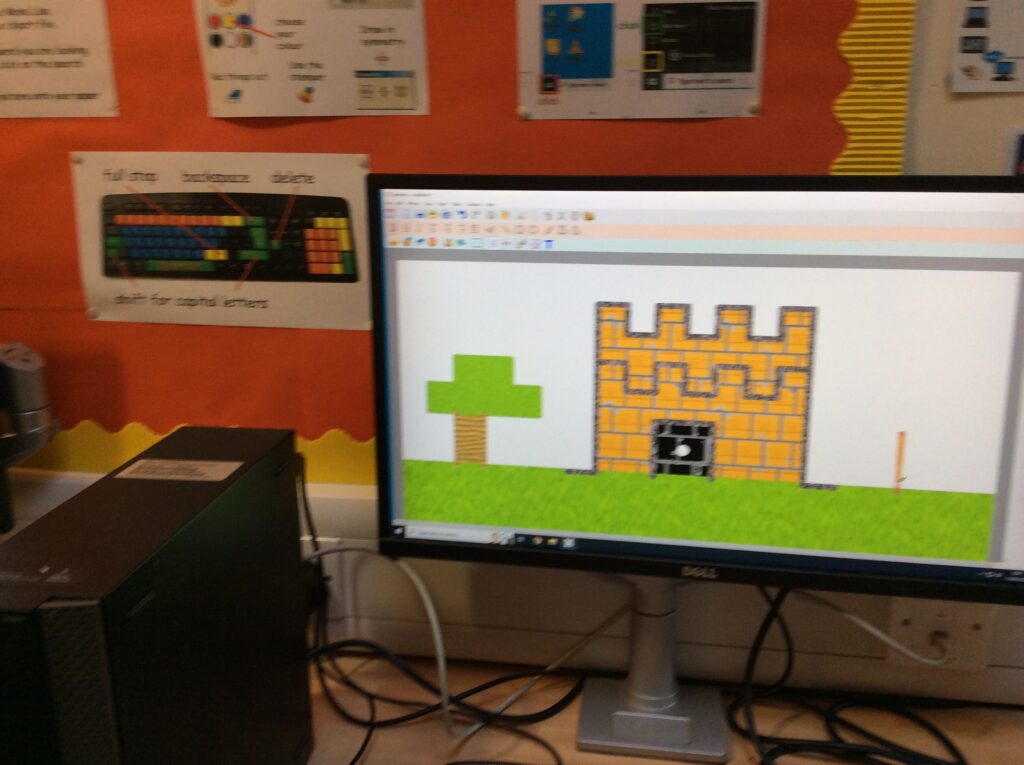
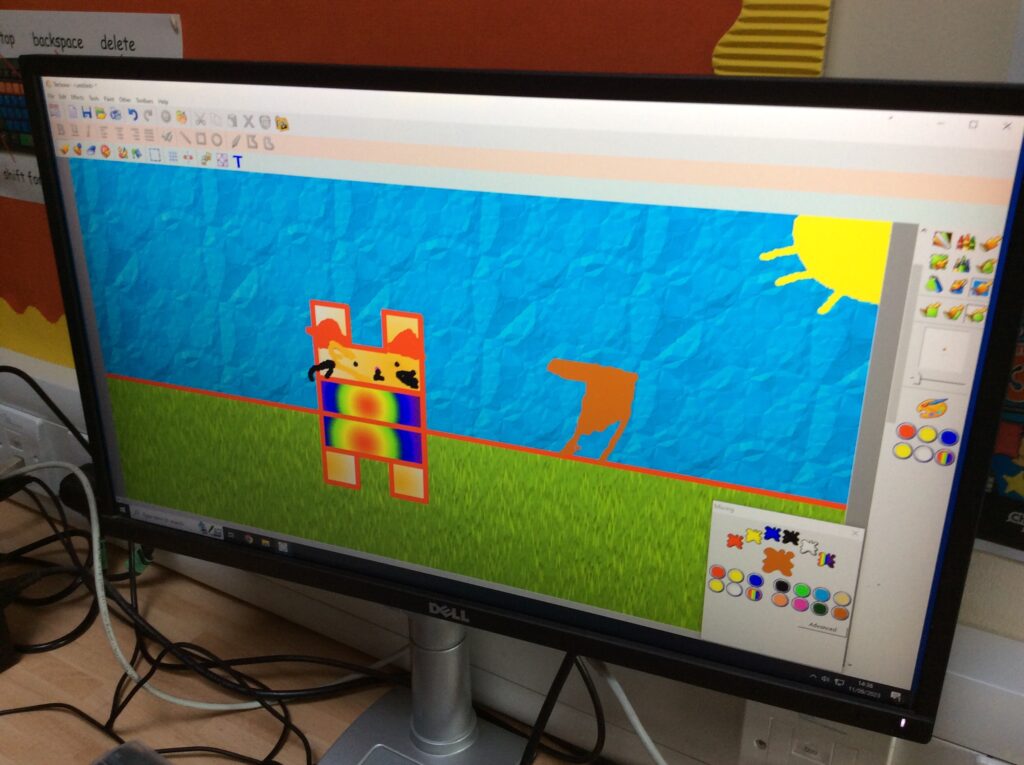
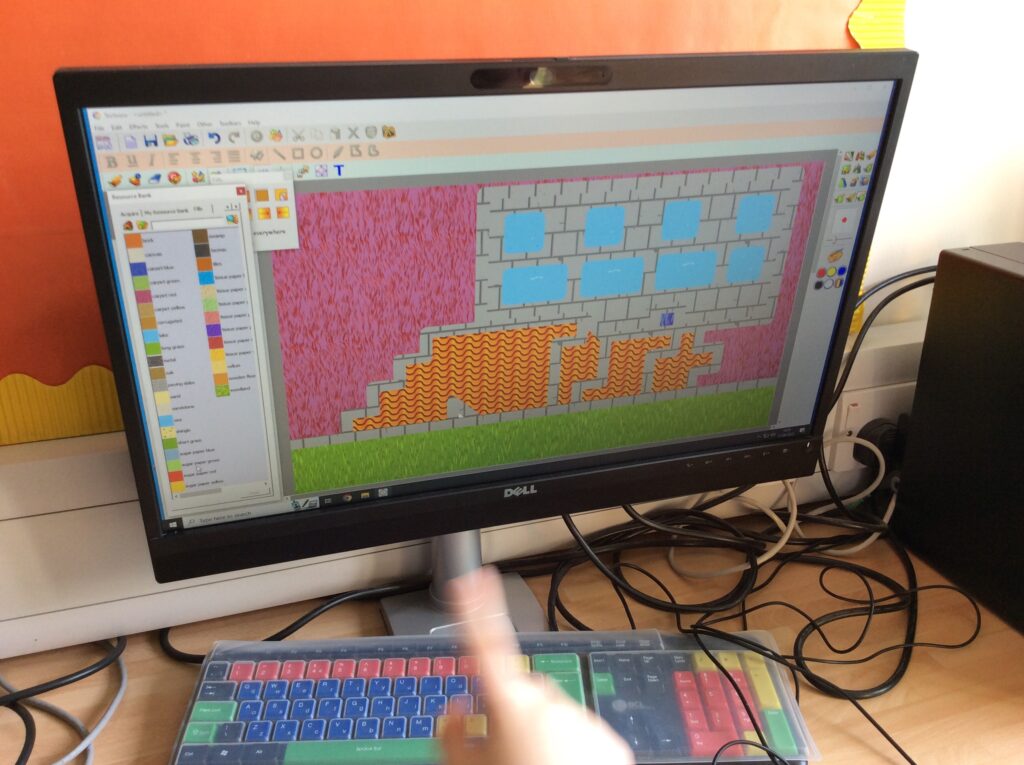
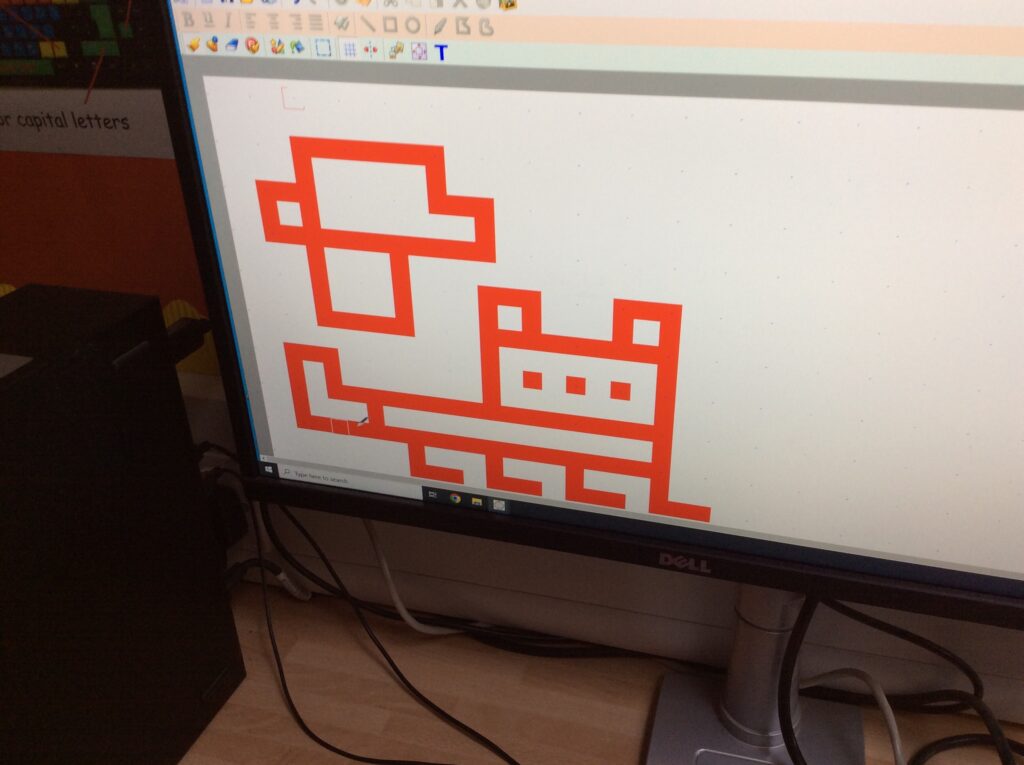
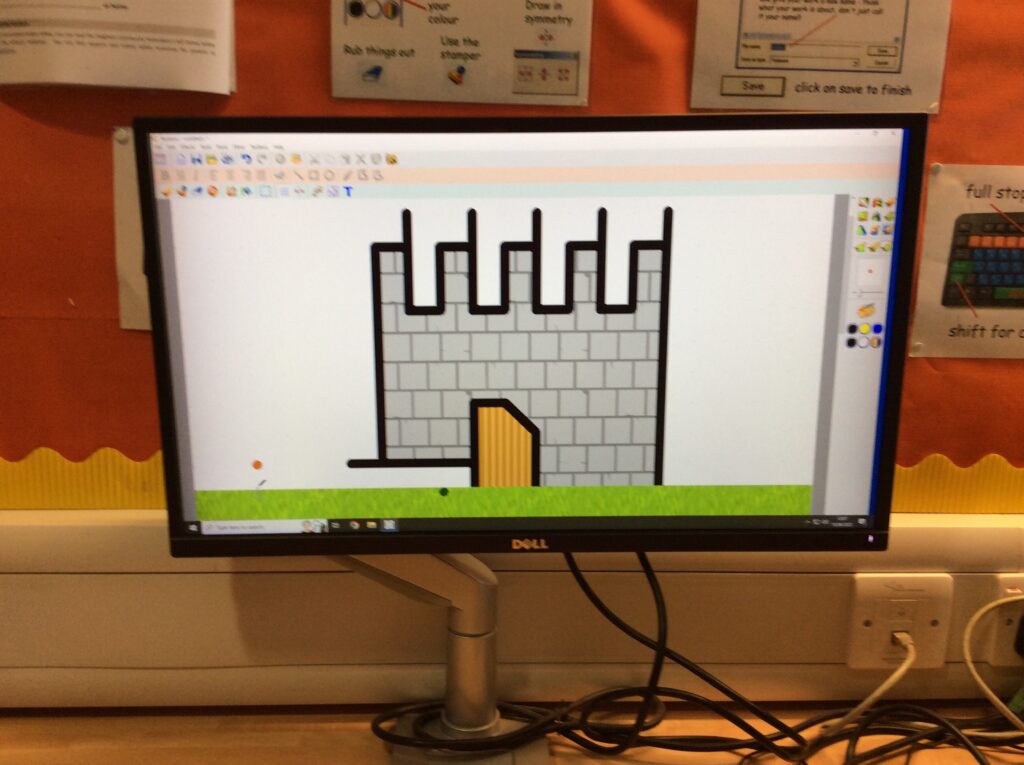
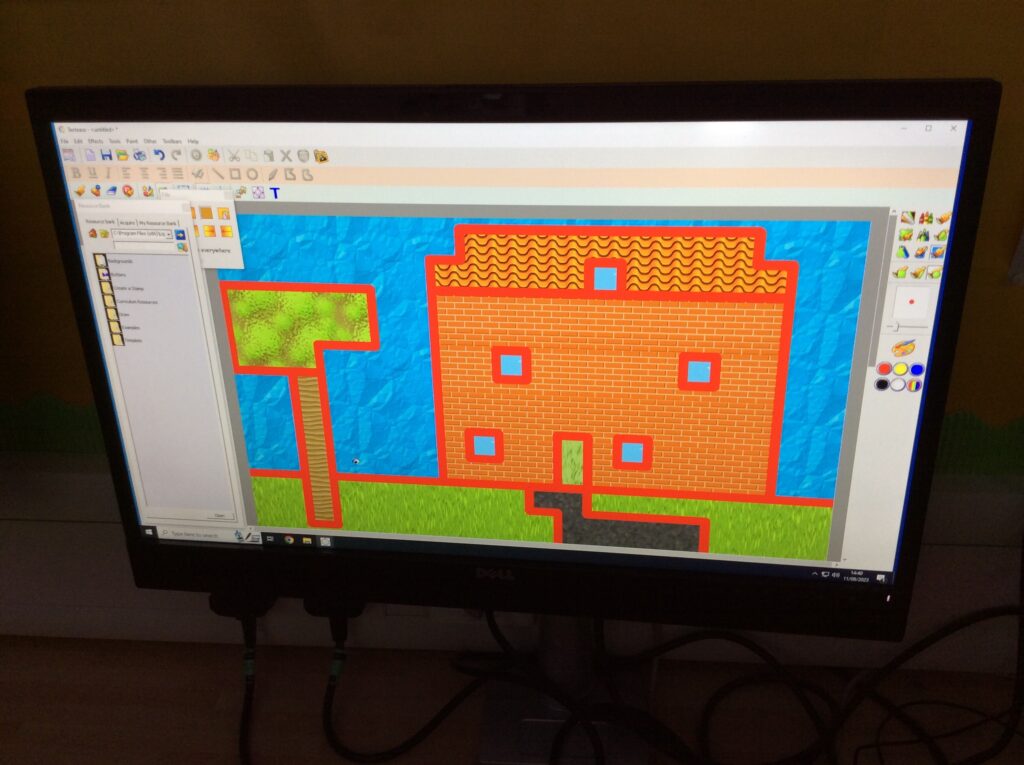
To do this we are going to use Textease to draw the game’s pathway and so we needed to learn how to do this. We experimented first of all by using the snap to grid feature to draw blocky minecraft style pictures. We loved it! Have a look at our pictures below – aren’t they great?

“It’s so cool that the lines just jump to the dots and don’t allow you to draw circles, it means I can draw squares and rectangles really easily.”

“It was a bit tricky filling in some of the squares and it filled the lines in at the same time, but I worked out what to do so it didn’t do that.”

Categories: Digital Leaders | Tags: , , , , , , , , , , | Comments Off on Welcome to a New Year!