Making a Branching Database @RRIS

This week the Digital Leaders learnt how to create a branching database using j2e branch. They chose 6 animals and asked questions to put the animals in a yes/no category. When they had finished they tested their database – could the computer guess the animal they were thinking of? Everyone realised how important it was to ask relevant questions and to sort the answers correctly.

“It’s a bit like Guess Who, all your questions have to have yes or no as an answer and you have to have some yes’s and some no’s.”

“We sorted all the things right as the computer was able to guess what we were thinking of.”

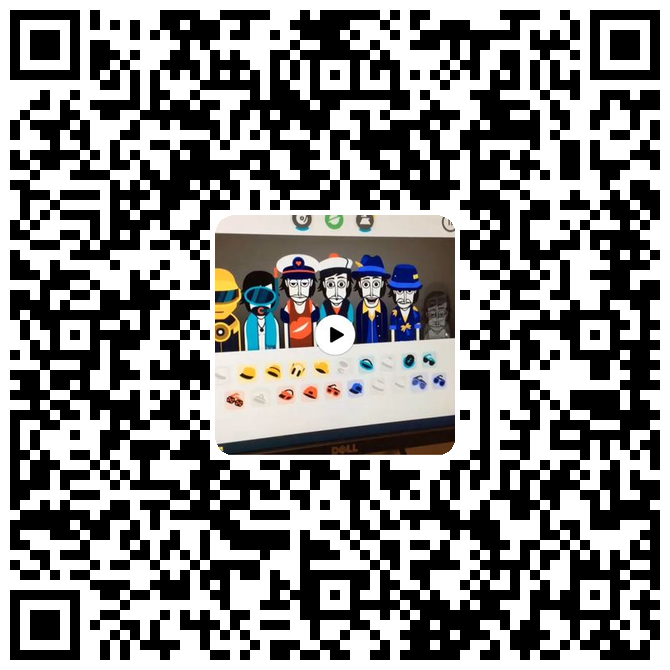
If you would like to see the database in action please scan the QR codes below to see the videos.

Categories: Digital Leaders | Tags: , , , , , , , , , | Comments Off on Making a Branching Database @RRIS

Making Digital Music with Incredibox @RRIS

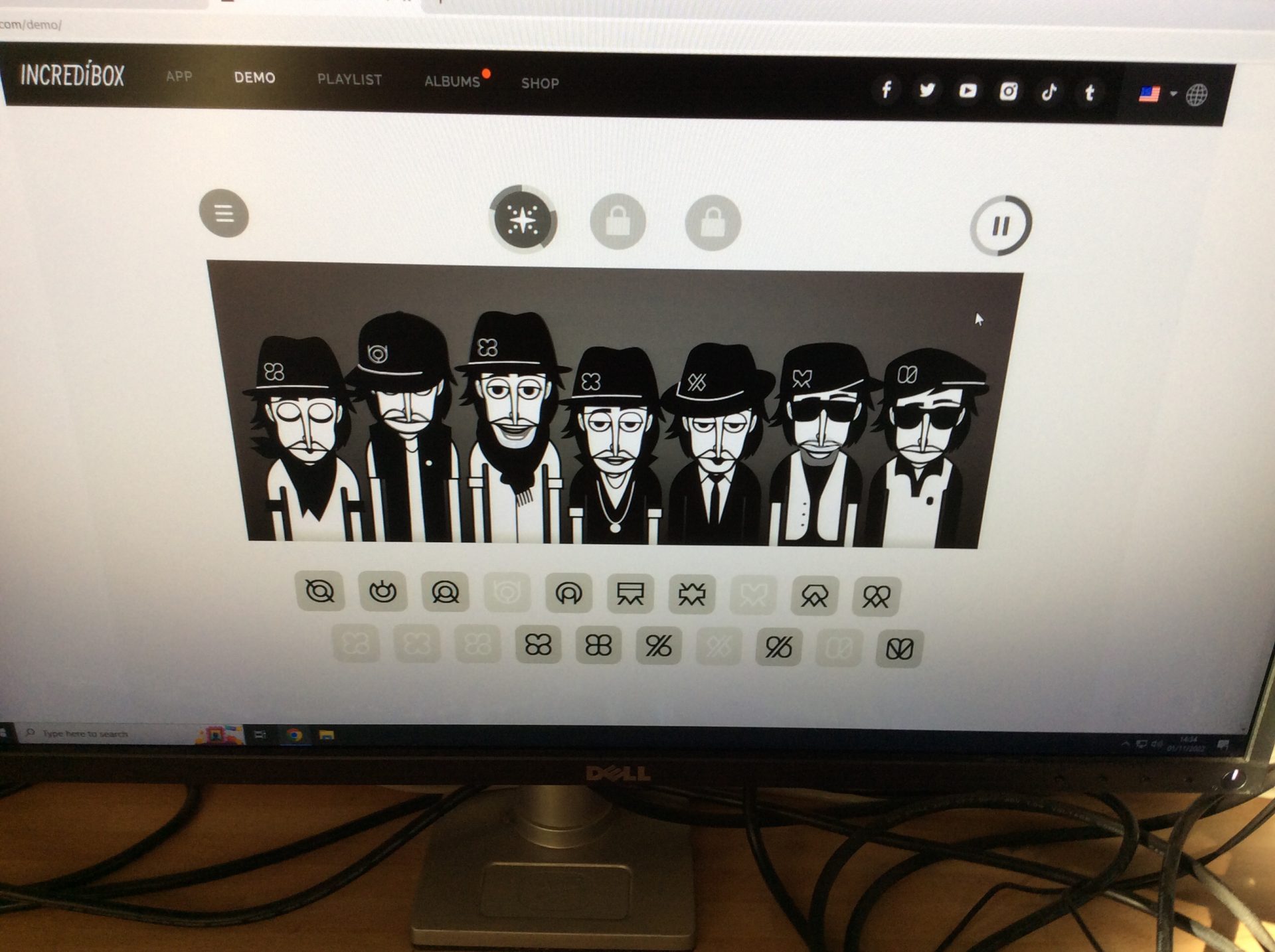
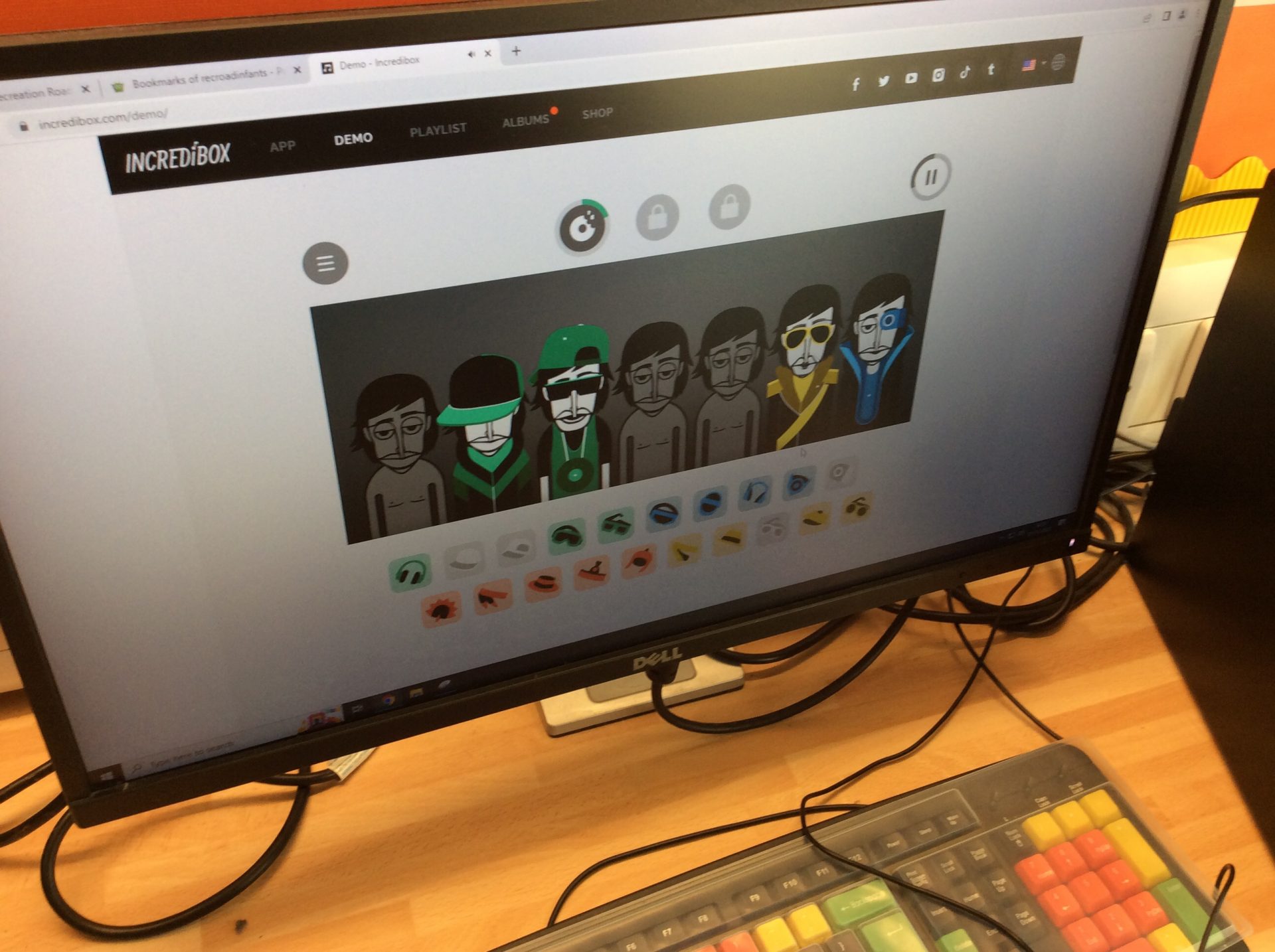
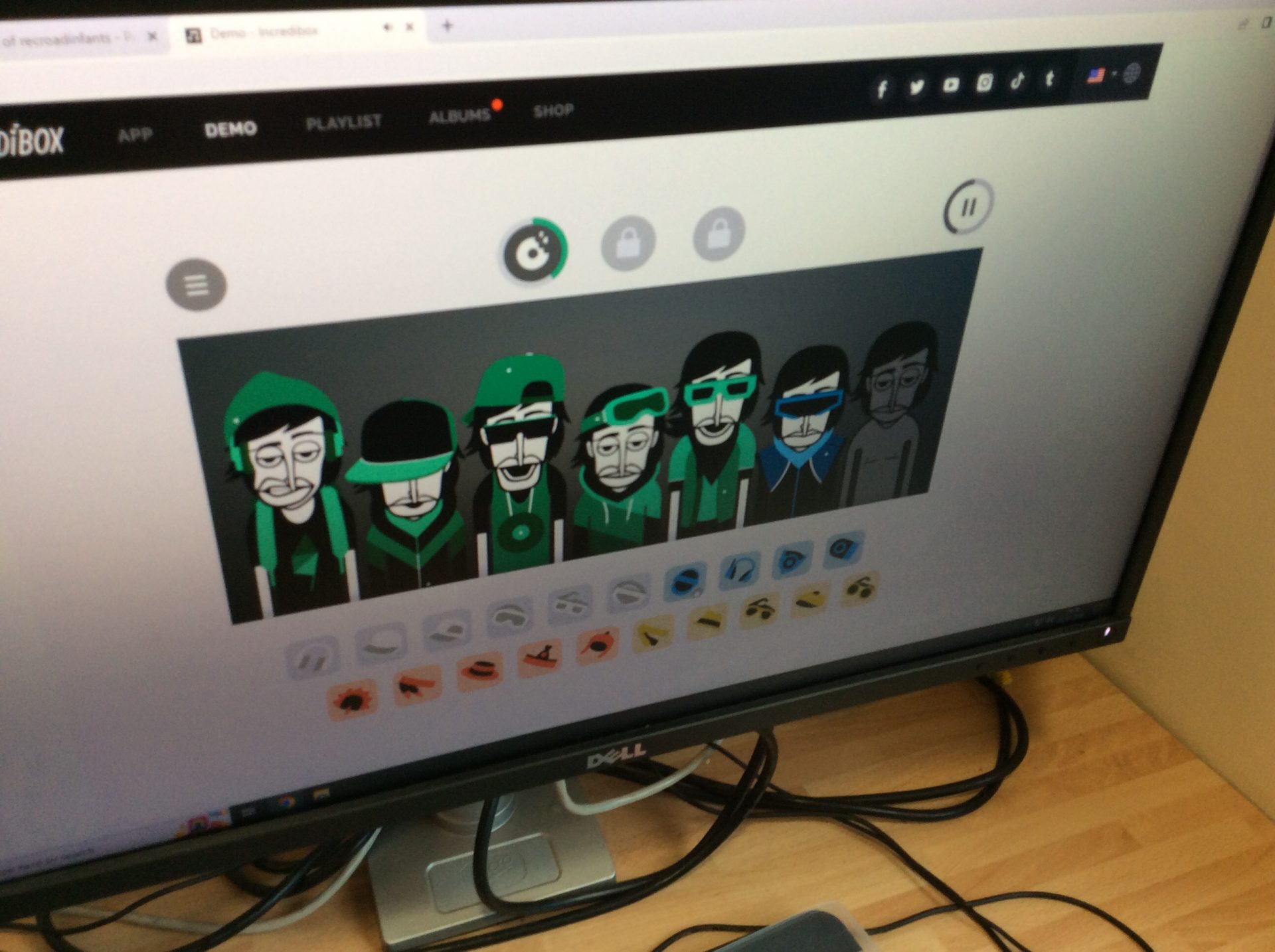
This week the Digital Leaders learnt how to make digital music with the online software Incredibox. Lots of the websites that we use at school to support our Computing learning are stored together in our Learning Links webpage so first we learnt how to get to this page – this was the part that everyone thought classes might need support with.

The Incredibox websites allows you to use 4 of the different sound versions, each containing different beats and effects. Everyone liked Sunrise and The Love best.

“It was so easy to make the music just by clicking and dragging on to the people. It sounds so good and professional.”

“I can’t wait to have a go at home and make music with my Dad.”

“I’m starting to think about what I could use the music for, maybe I could write a song, that’s exciting.”

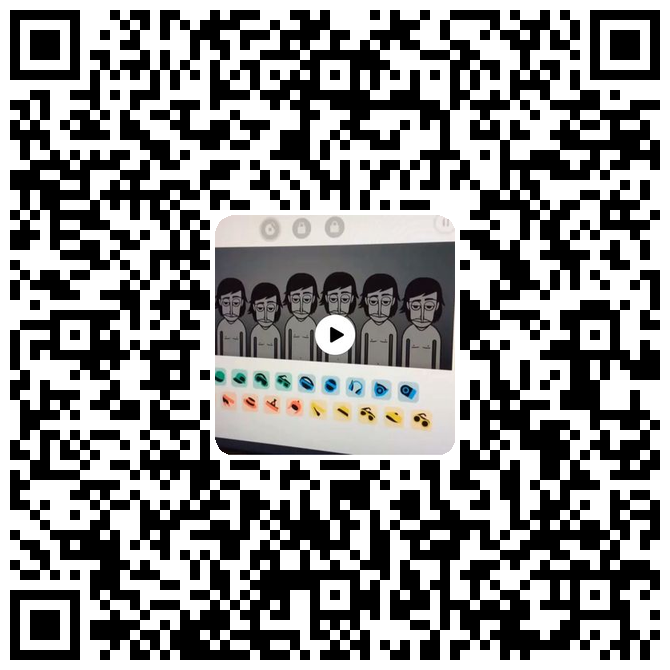
We have saved some of our music online so that we can share it with you. You can scan the QR codes below and it will take you to our little videos. This is something new for us and we are looking forward to doing more little videos.”

Categories: Digital Leaders | Tags: , , , , , , , , , , | Comments Off on Making Digital Music with Incredibox @RRIS

Finishing our game @RRIS

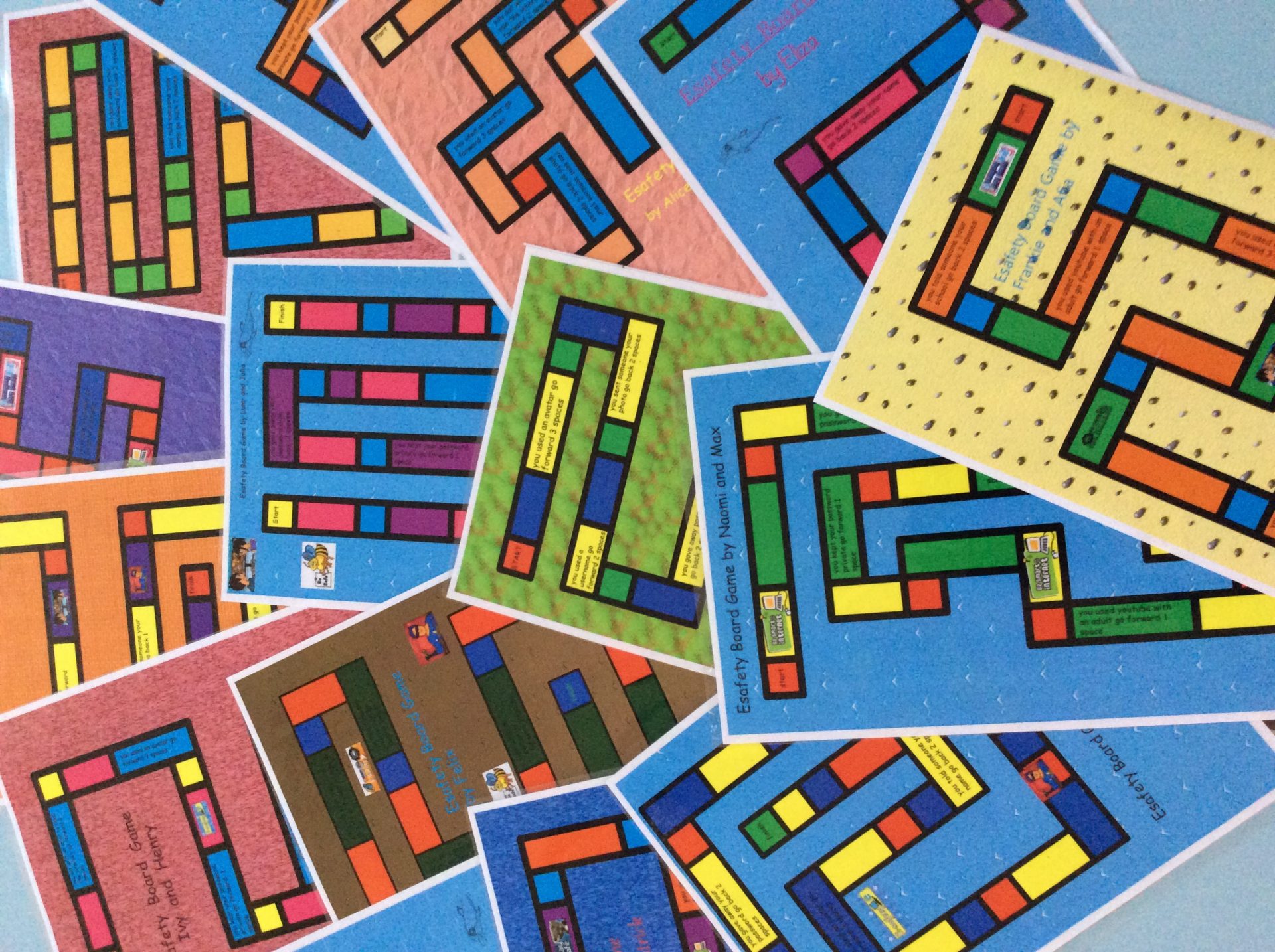
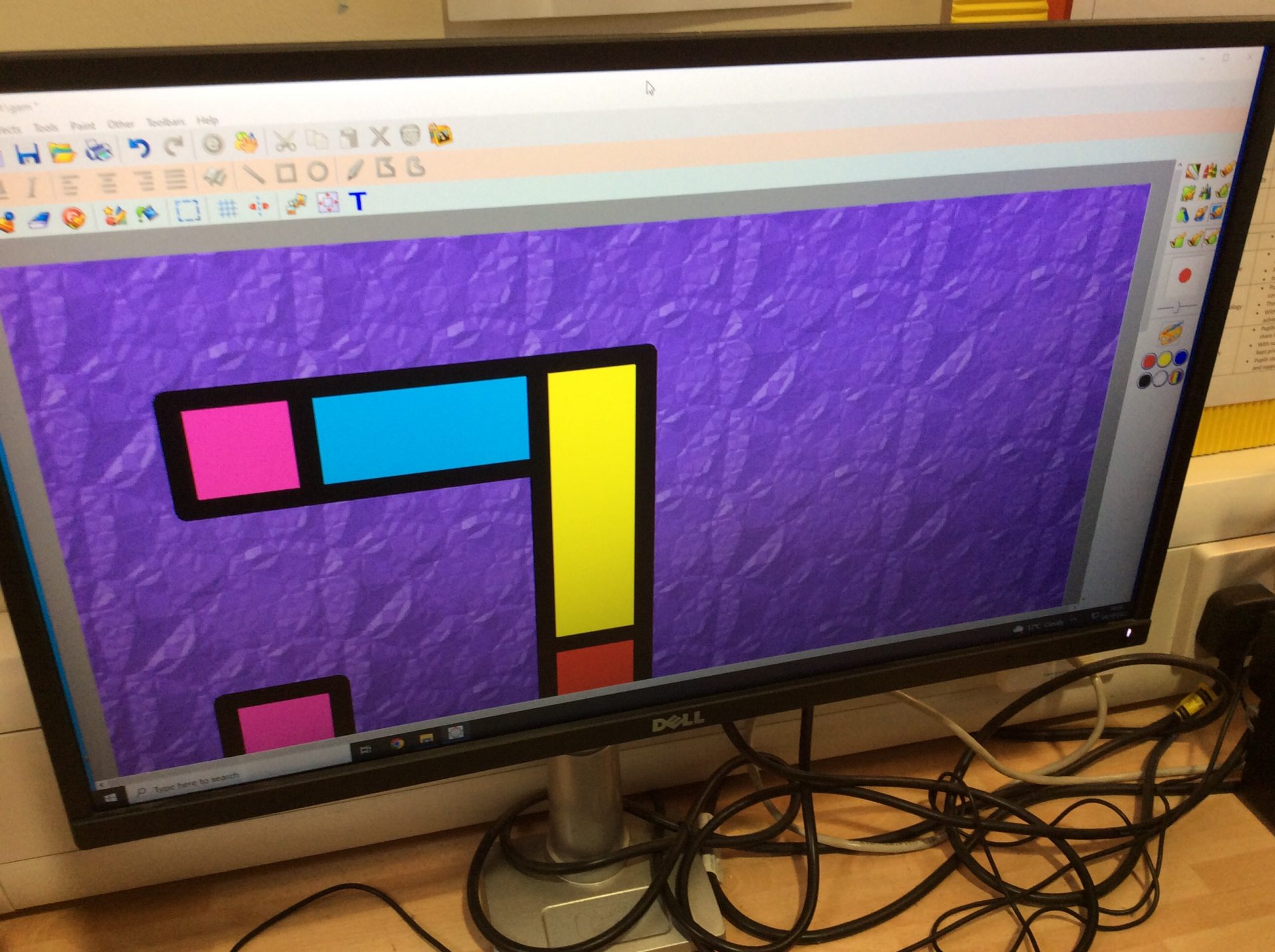
After many weeks we are now ready to finish our games! This week the Digital Leaders learnt how to add their game title and some clipart to make the game more appealing to the younger children. The clipart needed to be resized to fit the game squares which everyone found a bit tricky at first, but the finished games look absolutely amazing and we can’t wait to share them with Year 1.

“I am so pleased with how my game turned out, I didn’t think it would look like a real game but it does!”

“I think the Year 1 children will really like the games and it is really good they will learn all the things about keeping safe when using the computer.”

Categories: Digital Leaders | Tags: , , , , , , , , | Comments Off on Finishing our game @RRIS

Adding Text @RRIS

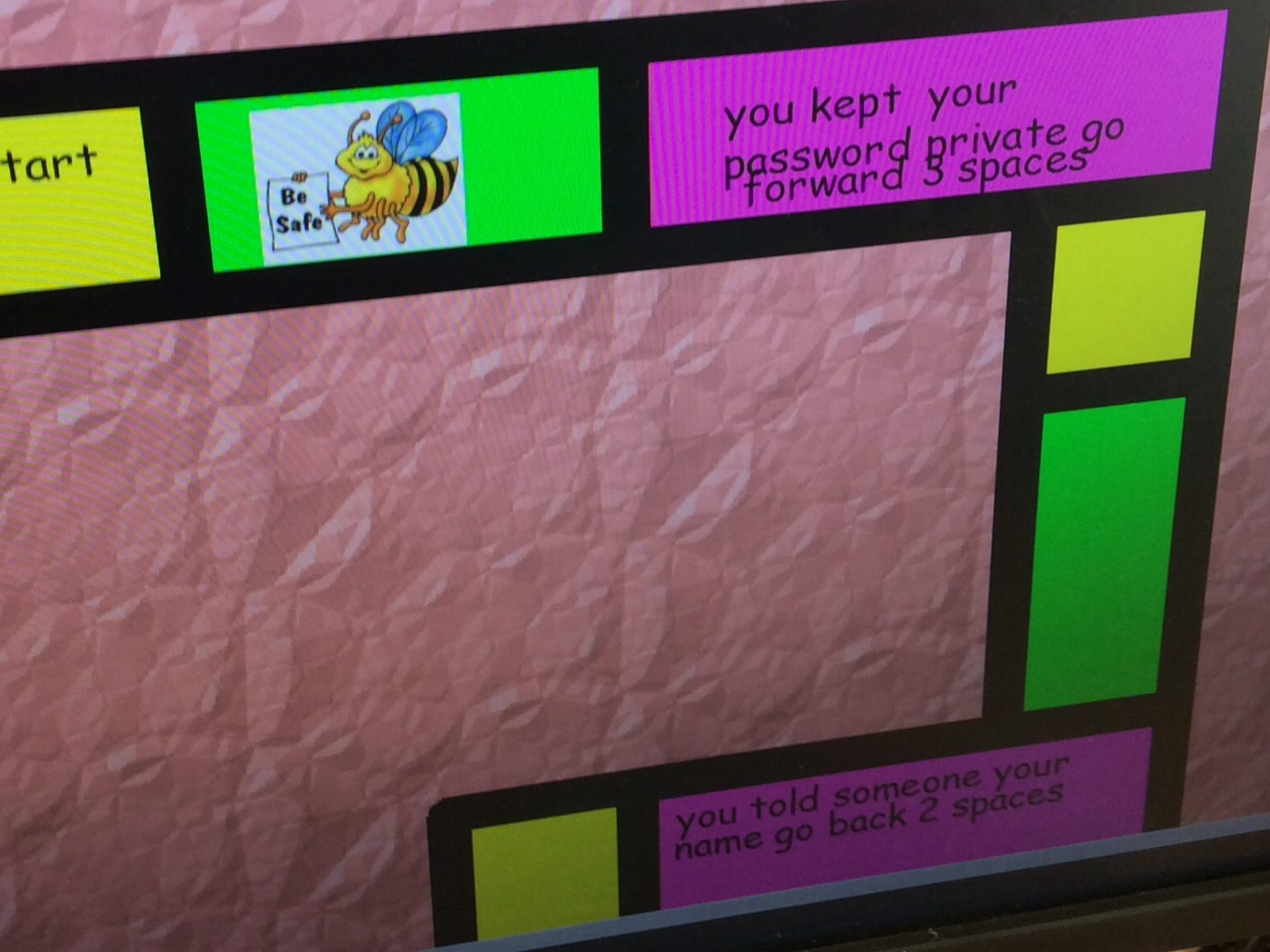
We are nearly there! The board games are looking amazing but we still need to add the hazard spaces! This week the Digital Leaders learnt how to add text to their board games and how to use the special tool to push text underneath so that it would fit neatly into their spaces of their game board. Everyone found this really tricky but persevered and managed it in the end.

“Some people will find this tricky but if we tell them to type their words at the top and not try and fit them in the box straight away they will find it a lot easier.”

“The blue square is really cool, I always wondered what that did and now I know! I can use it again now.”

Categories: Digital Leaders | Tags: , , , , , , , , | Comments Off on Adding Text @RRIS

Colouring our board game @RRIS

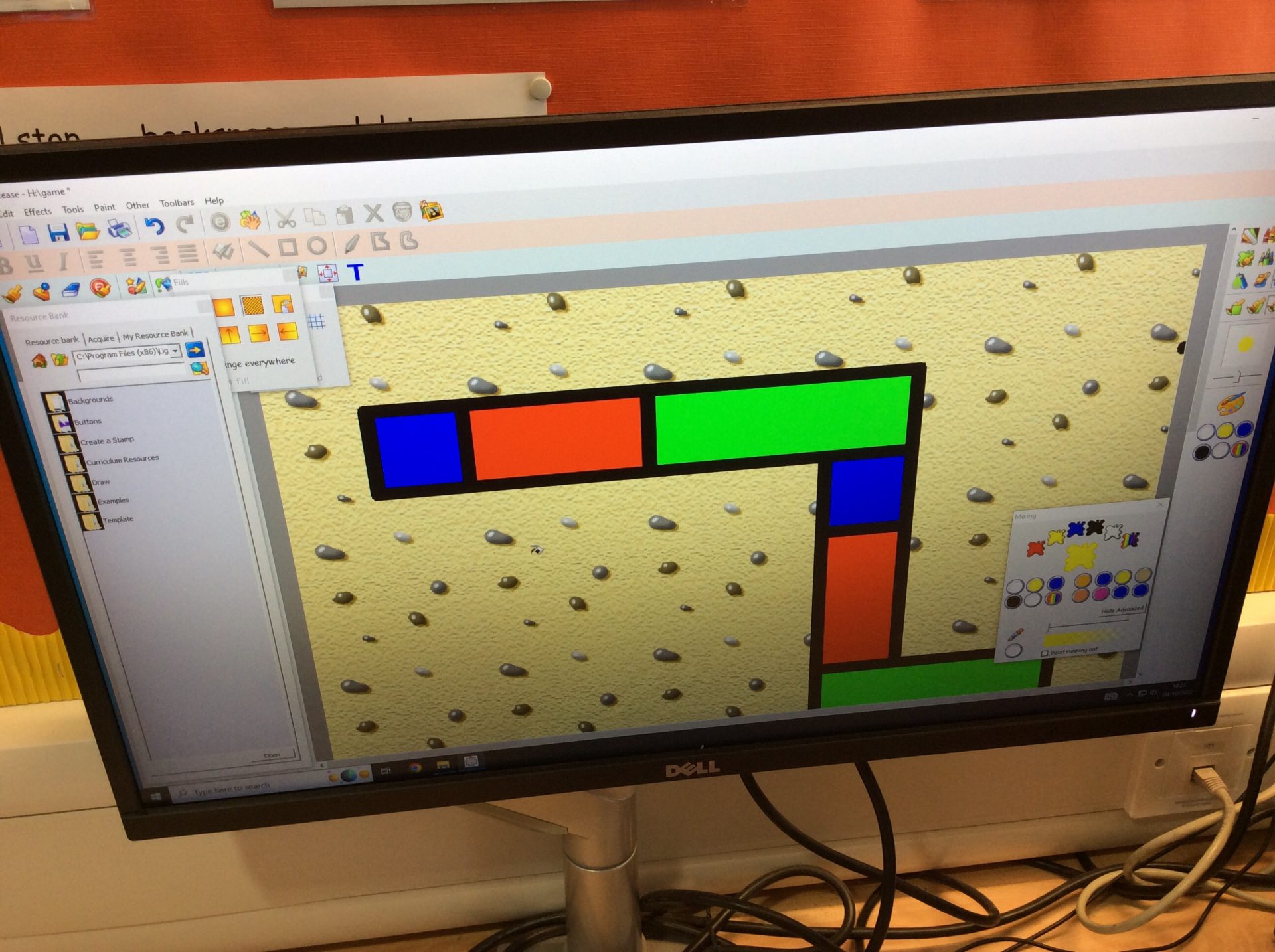
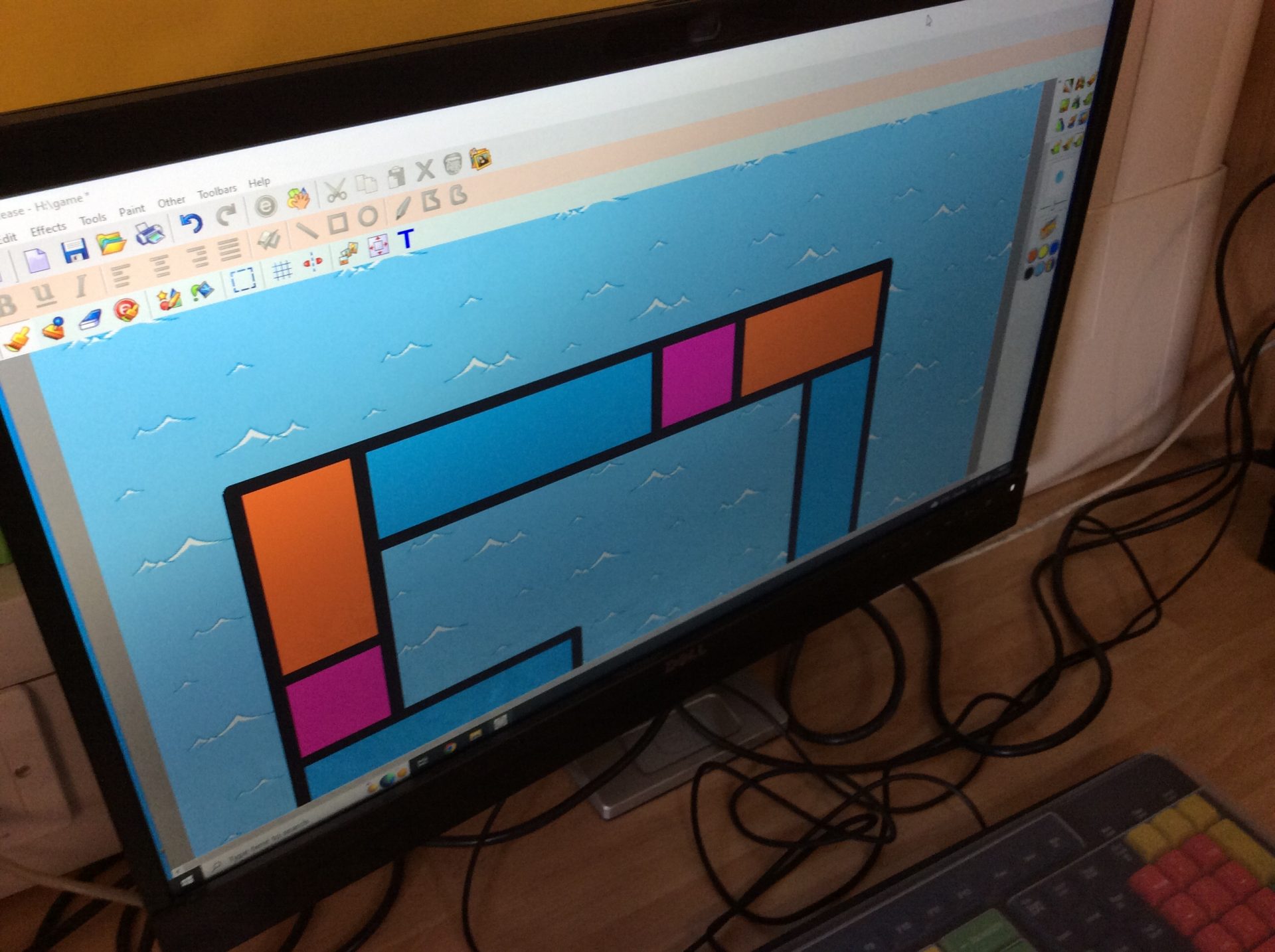
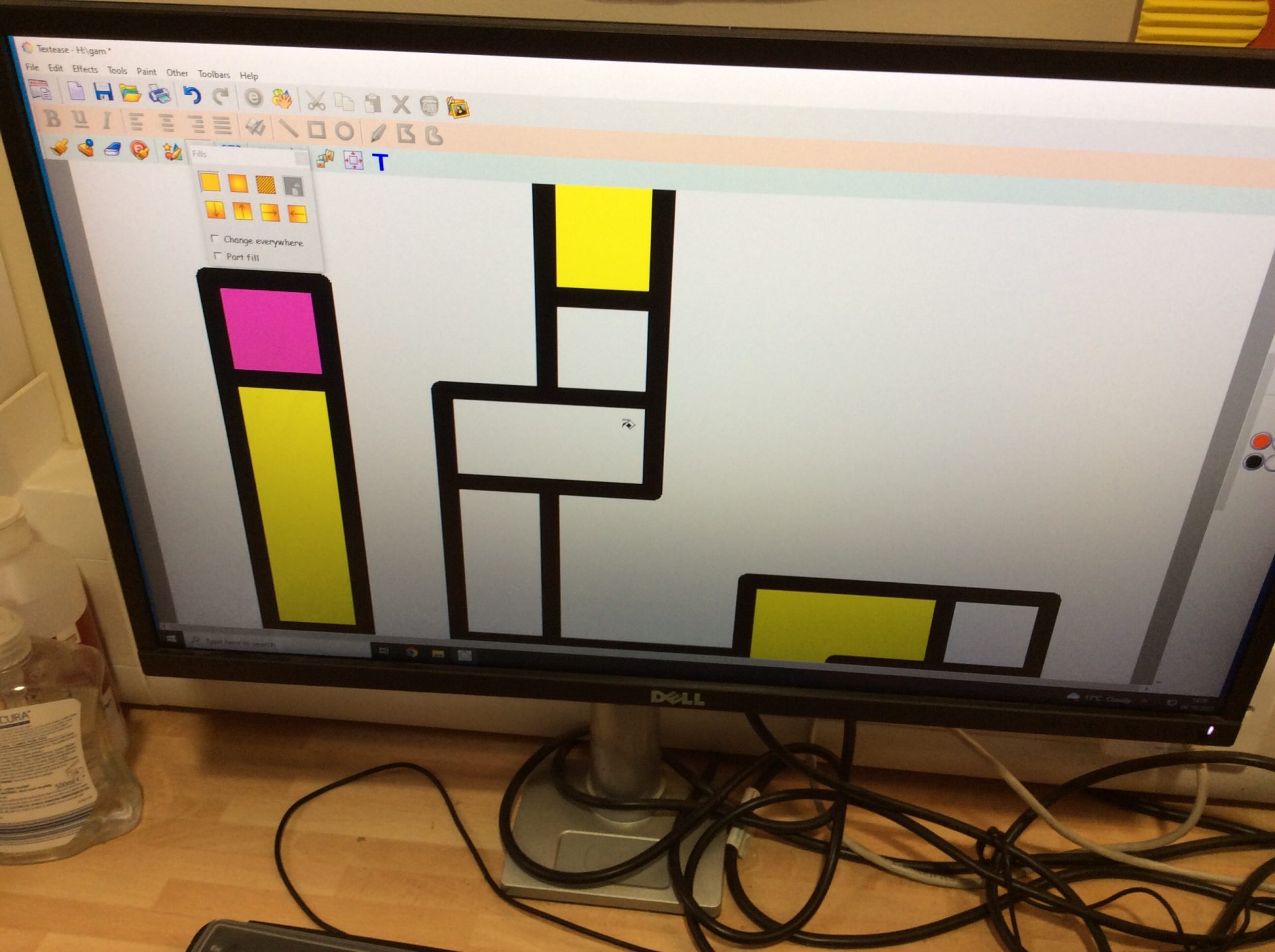
This week the Digital Leaders coloured their board games by using the fill tool in Textease. They used a repeating pattern for the main spaces with contrasting Start and Finish spaces. At the end they filled the background with a fancy fill. They look amazing so far and everyone has really enjoyed it and can’t wait to get their games finished.

“It was so easy to fill in all the spaces in one gon and I really like the pattern that it has made.”

“I used a bright colour for the start and finish spaces so they are easy to see.”

Categories: Digital Leaders | Tags: , , , , , , , , | Comments Off on Colouring our board game @RRIS

Drawing our Game Board @RRIS

Following on from their paper board game designs the Digital Leaders transferred their board games on to Textease, using the easy snap to grid function. They learnt how to do this easily and get rid of any mistakes they made.

“I am looking forward to showing the class how easy it is to copy the paper design to the screen.”

“I want to go home and make my own game, it’s so easy.”

Categories: Digital Leaders | Tags: , , , , , , , , , , | Comments Off on Drawing our Game Board @RRIS

Designing an Esafety Board Game @RRIS

This half term the Year 2 children are designing and making a board game for Year 1 children to remind them about Esafety rules and how to keep themselves safe when using a computer.

This week the Digital Leaders used a paper grid, like the one they used last week in Textease, to design their board game pathway. Their path could be in any direction but must include blocks 3 squares big to contain their positive and negative text (the rules). They coloured their squares in a pattern and added a title.

Categories: Digital Leaders | Tags: , , , , , , , , , , | Comments Off on Designing an Esafety Board Game @RRIS

Drawing with a Grid @RRIS

To start off the new school year the new Digital Leaders learnt how to use the grid function in Textease to draw Minecraft style pictures but drawing outline shapes with squares or triangles and filling them in. This is in preparation for their board game design they will be doing next week.

“It is really cool how it snaps to the dots making it really easy to draw straight lines.”

“I like that you can use lots of different fills so the trees look more realistic.”

Categories: Digital Leaders | Tags: , , , , , , , , , | Comments Off on Drawing with a Grid @RRIS