

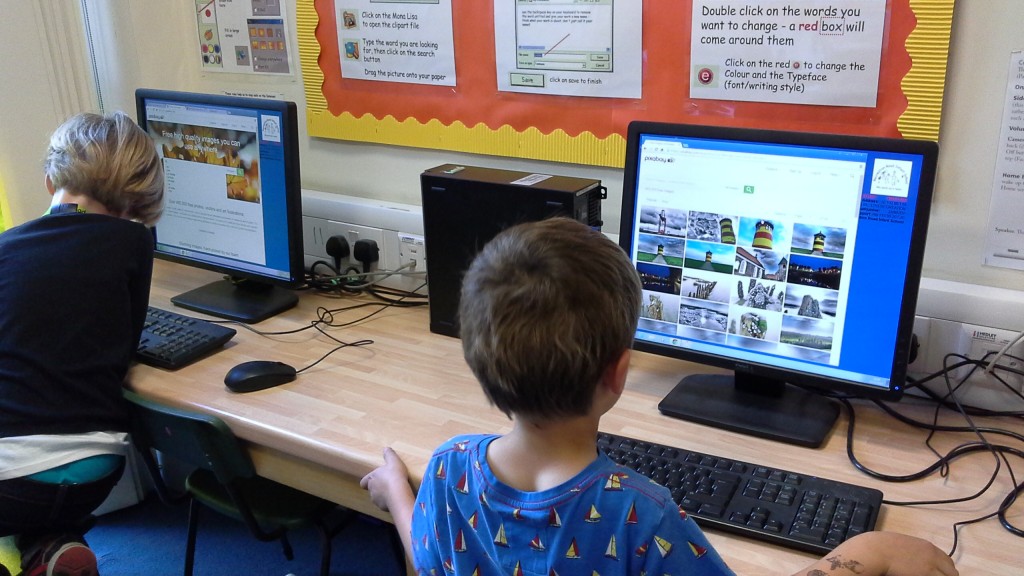
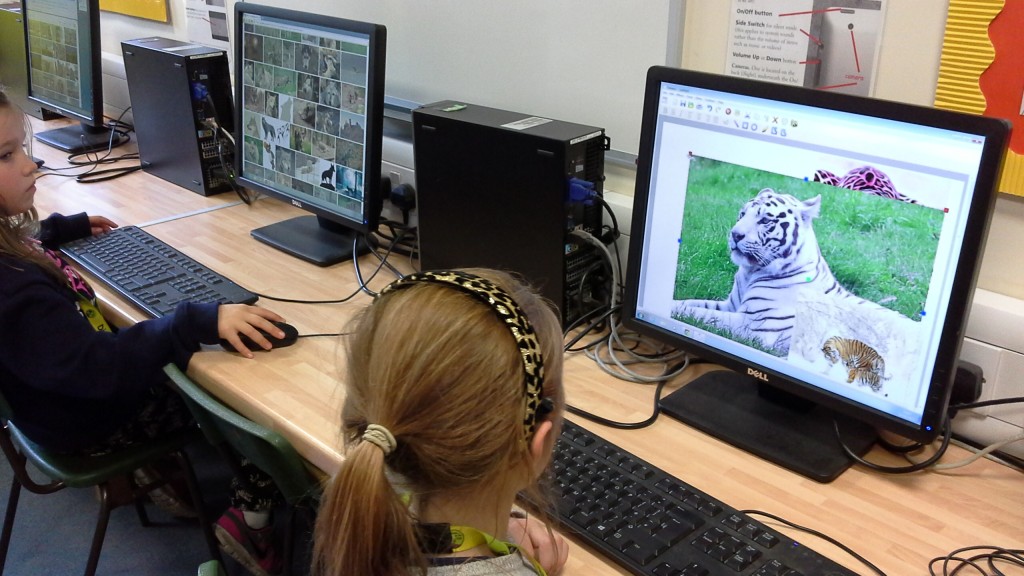
To make our work more interesting we always want to add a picture – but is it ok to use just any picture we find on google images? No, not really. So this week we learnt how to use Pixabay safely to search for royalty free pictures to use. Our task was to make a poster using Textease which had to include 4 images, which you could resize or crop, then save and print your work. It was quite a challenge in the time that we had but we all managed it and we helped each other out when we got a bit stuck. We can now share what we have learnt with our classmates in our next ICT lesson.
4 Responses to Searching, Saving and Using Images @RRIS